




Here's how it works

01. Edit your pa 501 form online
Type text, add images, blackout confidential details, add comments, highlights and more.

02. Sign it in a few clicks
Draw your signature, type it, upload its image, or use your mobile device as a signature pad.

03. Share your form with others
Send pa 501 via email, link, or fax. You can also download it, export it or print it out.
How to use or fill out pa 501 with our platform

- Click ‘Get Form’ to open the PA-501 in the editor.
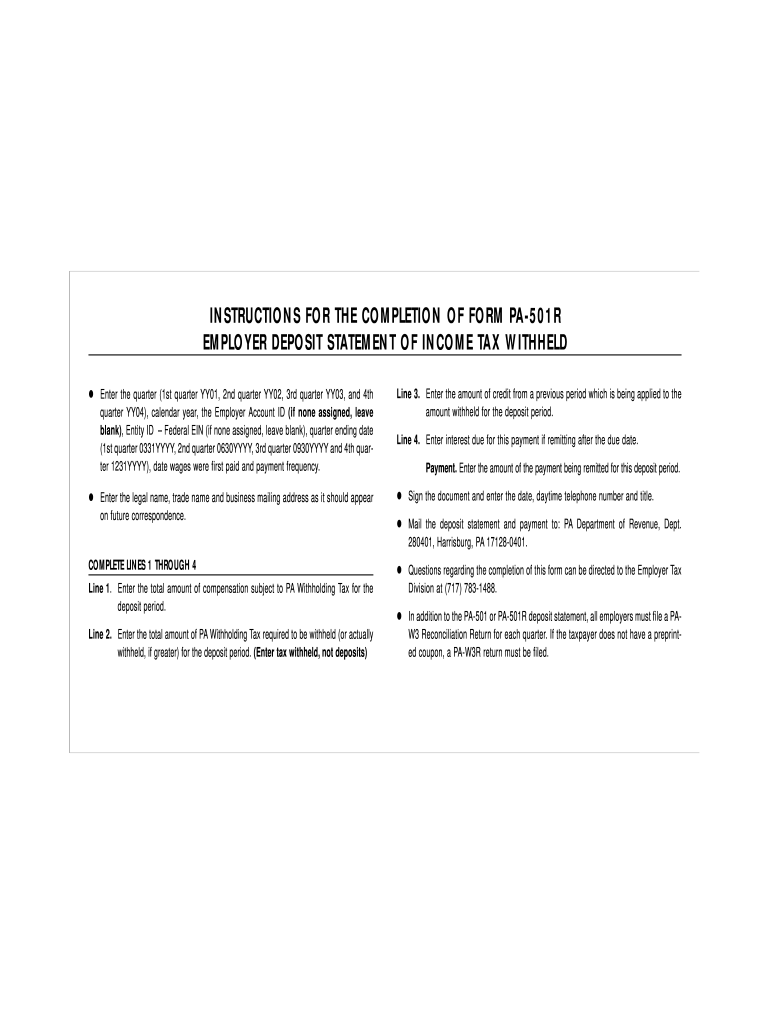
- Begin by entering the quarter and calendar year at the top of the form. Include your Employer Account ID and Entity ID (EIN) if applicable.
- Fill in the quarter ending date, date wages were first paid, and select your payment frequency from the options provided.
- Complete Lines 1 through 4: Line 1 requires you to enter total compensation subject to PA Withholding Tax for the deposit period. Line 2 is for the total amount of PA Withholding Tax required for that period.
- For Line 3, input any credits from previous periods being applied. Line 4 should reflect any interest due if payments are made after the due date.
- Finally, enter the payment amount being remitted, sign the document, and provide your daytime telephone number and title before submitting it to the PA Department of Revenue.
Start using our platform today to easily fill out your PA-501 form online for free!
Fill out pa 501 online
It's free
It's free
See more pa 501 versions
We've got more versions of the pa 501 form. Select the right pa 501 version from the list and start editing it straight away!
| Versions | Form popularity | Fillable & printable |
|---|---|---|
| 1999 | 4.8 Satisfied (144 Votes) |
Security and compliance
At DocHub, your data security is our priority. We follow HIPAA, SOC2, GDPR, and other standards, so you can work on your documents with confidence.
Learn more


Related forms

Final disposition form
The document is the Form 1.998 Final Disposition Form, which is required to be filed by the prevailing party in a court ...

U S Customs and Border ProtectionSecuring America's Borders
The document outlines the requirements for applying for a REAL ID at a DMV office, detailing necessary documents for ide ...

Disclosure to Claimant Form - Government of Newfoundland and
The document is a 'Disclosure to Claimant' form under the Automobile Insurance Regulations for Newfoundland and Labrador ...

Dr Chenoy - ncbi nlm nih
The document evaluates the efficacy of gamolenic acid from evening primrose oil in treating menopausal hot flushes throu ...
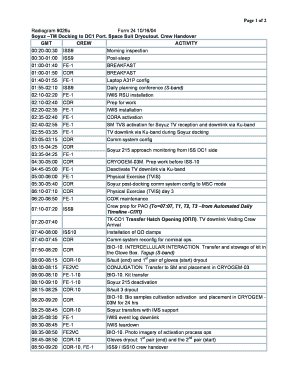
Page 1 of 2 Radiogram 9026u Form 24 10 16 04 Soyuz ??
The document outlines the schedule of activities for the ISS crew during a specific time frame, focusing on the docking ...
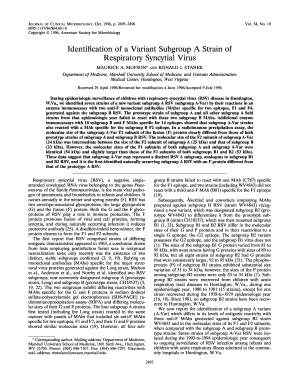
Protein cleaves to bformb the F1 and F2 subunits
The document reports the identification of a new variant subgroup A strain of Respiratory Syncytial Virus (RSV), termed ...