Type text, add images, blackout confidential details, add comments, highlights and more.
02. Sign it in a few clicks
Draw your signature, type it, upload its image, or use your mobile device as a signature pad.
03. Share your form with others
Send it via email, link, or fax. You can also download it, export it or print it out.
How to use or fill out pa easement with our platform
Ease of Setup
DocHub User Ratings on G2
Ease of Use
DocHub User Ratings on G2
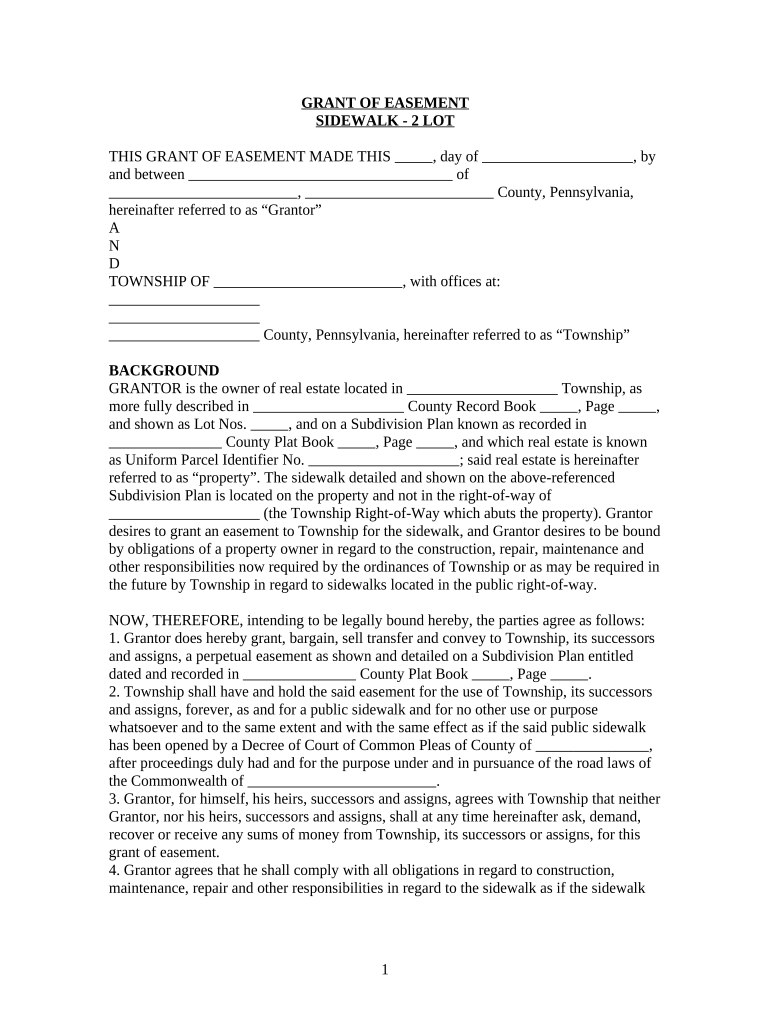
Click ‘Get Form’ to open the pa easement document in the editor.
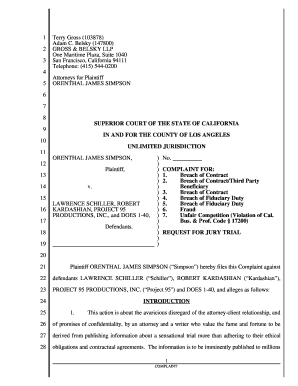
Begin by filling in the date at the top of the form, followed by your name as the Grantor and your address details.
In the background section, provide a detailed description of your property, including County Record Book and Page numbers, as well as Lot Numbers.
Next, specify the Township's name and address where indicated. This is crucial for legal identification.
Proceed to grant the easement by confirming that you agree to all terms outlined in sections 1 through 5. Ensure you understand your obligations regarding maintenance and repair.
Finally, sign and date the document at the bottom. Make sure to include a witness signature if required.
Start using our platform today for free to complete your pa easement efficiently!
Easement by necessity PennsylvaniaPrescriptive easement PennsylvaniaWhat are the 3 types of easementsEasement in grossPublic easementWhy conservation easements are badAppurtenant easementEasement by prescription
Security and compliance
At DocHub, your data security is our priority. We follow HIPAA, SOC2, GDPR, and other standards, so you can work on your documents with confidence.
The Easement Purchase program was developed in 1988 to help slow the loss of prime farmland to non-agricultural uses. The program was formed by amending ActRead more
61 Pa. Code 91.167 - Deed of easement | State Regulations
Easements represent a taxable interest in real estate. The tax base in these instances is the actual consideration or the actual monetary worth thereof.Read more
Cookie consent notice
This site uses cookies to enhance site navigation and personalize your experience.
By using this site you agree to our use of cookies as described in our Privacy Notice.
You can modify your selections by visiting our Cookie and Advertising Notice.