




01. Edit your form online
Type text, add images, blackout confidential details, add comments, highlights and more.

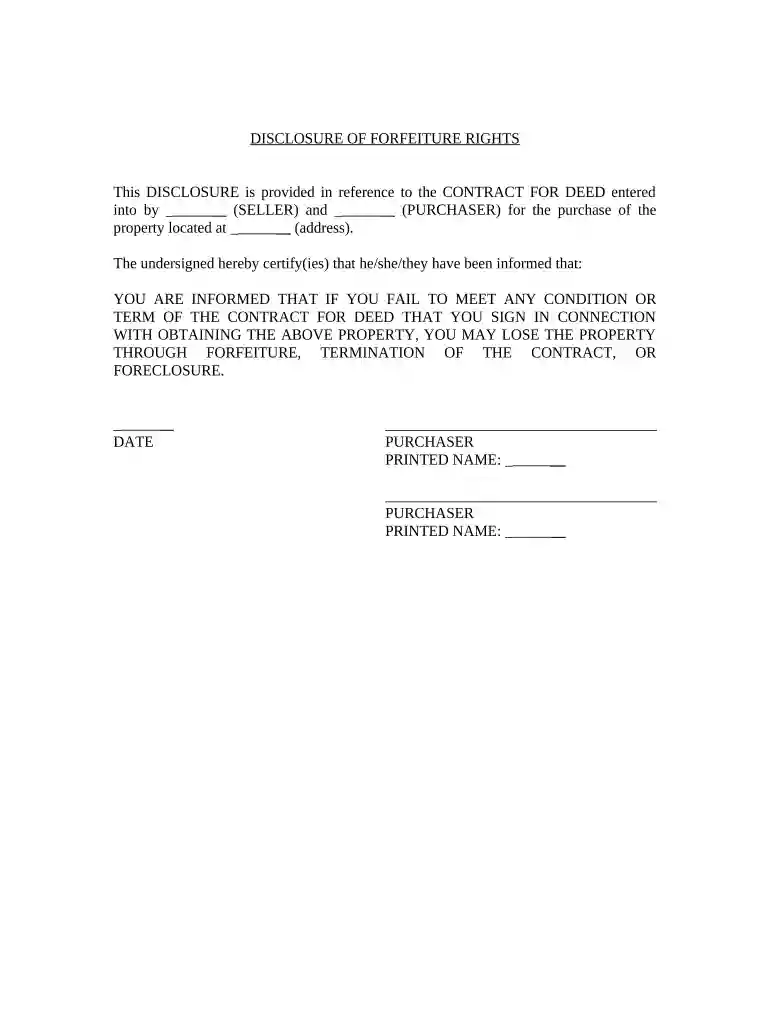
Type text, add images, blackout confidential details, add comments, highlights and more.

Draw your signature, type it, upload its image, or use your mobile device as a signature pad.

Send it via email, link, or fax. You can also download it, export it or print it out.

Start using our platform today to fill out your pa seller disclosure form online for free!
At DocHub, your data security is our priority. We follow HIPAA, SOC2, GDPR, and other standards, so you can work on your documents with confidence.
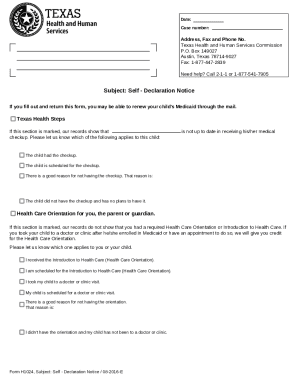



A seller must disclose to a buyer all known material defects about property being sold that are not readily observable.Read more
May 18, 2017 A seller must disclose to a buyer all known material defects about property being sold that are not readily observable. This disclosureRead more


