




Here's how it works

01. Edit your hardship transfer nyc doe online
Type text, add images, blackout confidential details, add comments, highlights and more.

02. Sign it in a few clicks
Draw your signature, type it, upload its image, or use your mobile device as a signature pad.

03. Share your form with others
Send hardship transfer form via email, link, or fax. You can also download it, export it or print it out.
How to use or fill out uft hardship transfer with our platform

- Click ‘Get Form’ to open the uft hardship transfer application in the editor.
- Begin by filling out Section I: Employee Information. Enter your file number, social security number, last name, first name, middle initial, and contact details including your address, email, and phone number.
- In Section II: Hardship Transfer Information, specify the reason for your transfer. If claiming medical hardship, ensure you attach relevant medical documentation and explain how your current assignment affects your condition.
- For assault or other incidents, provide a detailed letter explaining the circumstances along with any supporting documentation such as police reports or school incident reports.
- If citing travel hardship, obtain documentation from the New York City Transit Authority confirming that your commute exceeds one hour and thirty minutes each way. Attach this to your application.
- Finally, sign and date the application before submitting it either by mail or hand delivery to the Office of Field Services at the specified address.
Start using our platform today to easily complete your uft hardship transfer application for free!
Fill out uft hardship transfer online
It's free
It's free
See more uft hardship transfer versions
We've got more versions of the uft hardship transfer form. Select the right uft hardship transfer version from the list and start editing it straight away!
Security and compliance
At DocHub, your data security is our priority. We follow HIPAA, SOC2, GDPR, and other standards, so you can work on your documents with confidence.
Learn more


Related forms
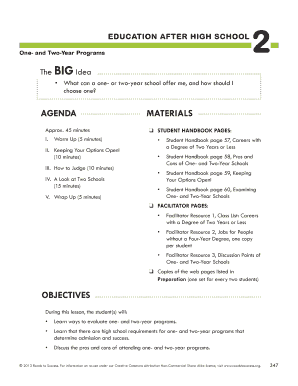
Education After High School
The document outlines a lesson plan for eighth-grade students focusing on one- and two-year post-secondary education pro ...
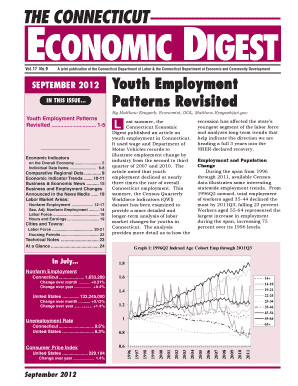
September 2012 - Connecticut Department of Labor
The September 2012 issue of The Connecticut Economic Digest focuses on youth employment patterns in Connecticut, highlig ...
Course Development Guidelines - 2003 - State of California - lib post ca
The 'Course Development Guidelines - 2003' document, published by the California Commission on Peace Officer Standards a ...

Date 10-MAY-10 - mrmib ca
The document titled 'Current Enrollment by Zip Code' dated May 10, 2010, provides a detailed breakdown of enrollment fig ...
Illinois Commission on Volunteerism and Community Service
The document is a Certificate of Appreciation issued by the Illinois Commission on Volunteerism and Community Service, r ...
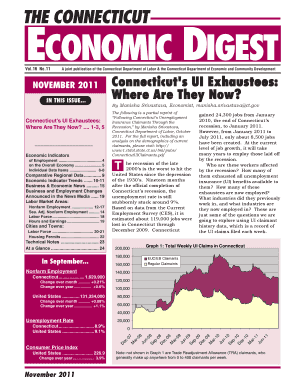
Digest 1111 pmd
The November 2011 issue of The Connecticut Economic Digest provides an analysis of the state's economic conditions, focu ...
State of Illinois Illinois Department of Public Health Illinois Lead Program Annual Surveillance Rep
State of Illinois Illinois Department of Public Health Illinois Lead Program Annual Surveillance Rep
The Illinois Lead Program's 2009 Annual Surveillance Report highlights the ongoing issue of childhood lead poisoning in ...
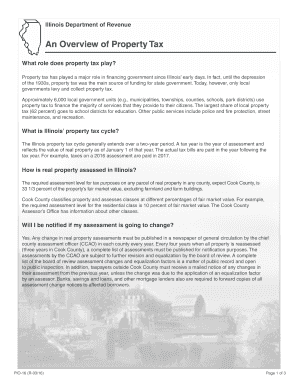
What role does property tax play
The document provides an overview of property tax in Illinois, detailing its historical significance, the role of local ...


