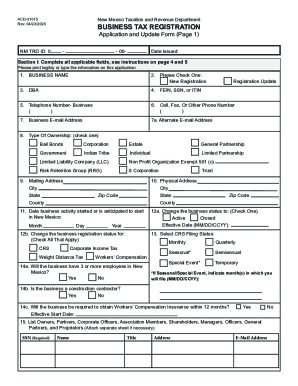
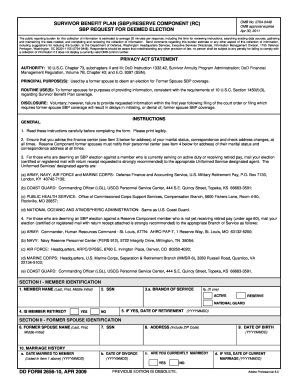
Type text, add images, blackout confidential details, add comments, highlights and more.
02. Sign it in a few clicks
Draw your signature, type it, upload its image, or use your mobile device as a signature pad.
03. Share your form with others
Send it via email, link, or fax. You can also download it, export it or print it out.
How to use or fill out oregon husband with our platform
Ease of Setup
DocHub User Ratings on G2
Ease of Use
DocHub User Ratings on G2
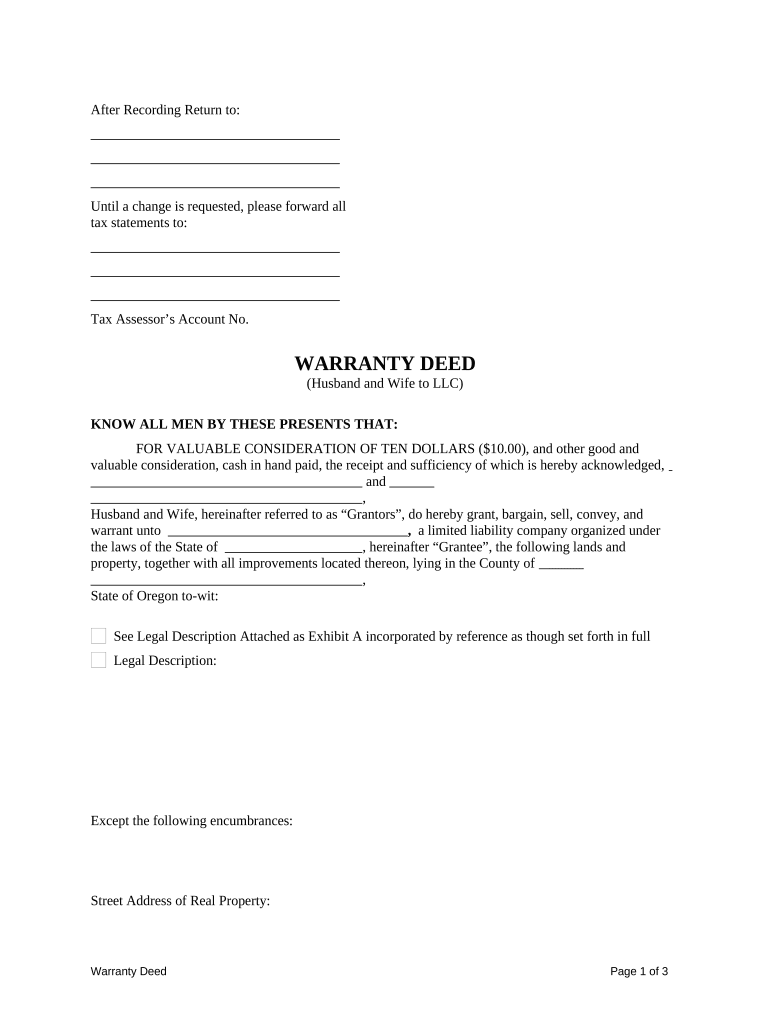
Click ‘Get Form’ to open the oregon husband document in the editor.
Begin by entering the names of the Grantors (Husband and Wife) in the designated fields. Ensure that both names are spelled correctly as they will be legally binding.
Fill in the Grantee's information, which is typically a limited liability company. Include the name and state of incorporation.
Provide a detailed legal description of the property being transferred. If you have an attachment, ensure it is uploaded correctly as Exhibit A.
Indicate any encumbrances on the property, if applicable, and specify whether the property is part of a homestead.
Complete tax-related sections by selecting how taxes for the current year will be prorated or paid.
Finally, ensure all signatures are added where indicated, including those of notaries if required.
Start using our platform today to easily fill out your oregon husband form for free!
In Memory Of - College of Liberal Arts - Oregon State University
Professor William B. Husband taught at OSU for over three decades. Professor Husband received his Ph.D. from Princeton. His teaching focused on the History ofRead more
Cookie consent notice
This site uses cookies to enhance site navigation and personalize your experience.
By using this site you agree to our use of cookies as described in our Privacy Notice.
You can modify your selections by visiting our Cookie and Advertising Notice.