




01. Edit your social security death notification online
Type text, add images, blackout confidential details, add comments, highlights and more.

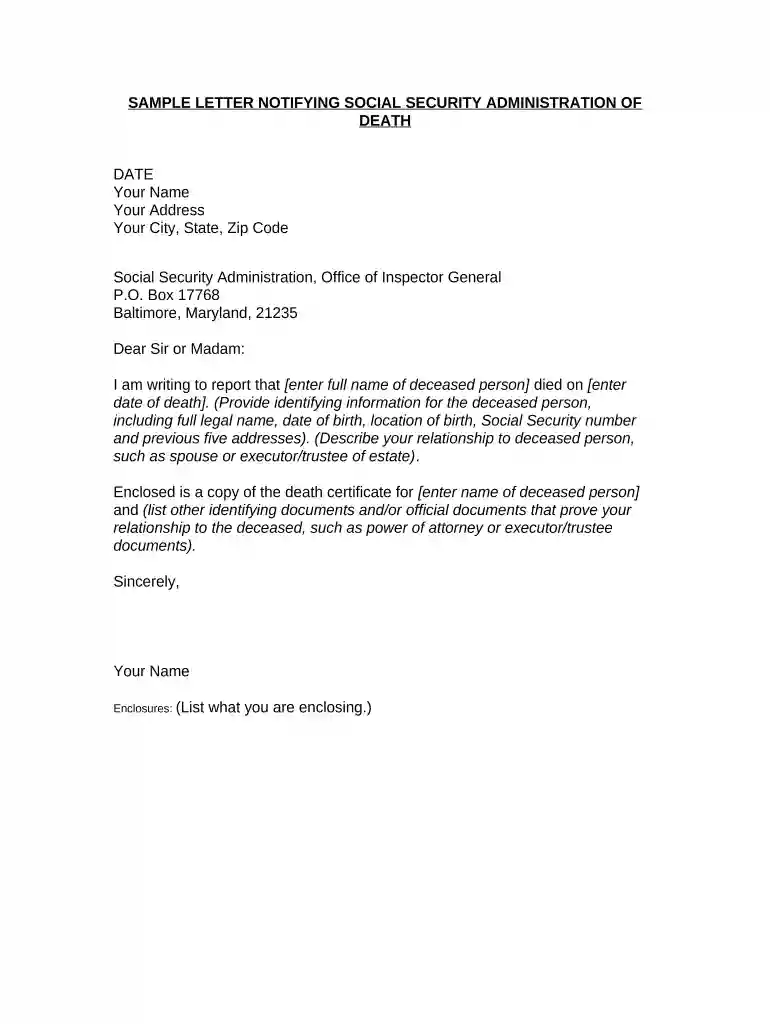
Type text, add images, blackout confidential details, add comments, highlights and more.

Draw your signature, type it, upload its image, or use your mobile device as a signature pad.

Send notify social security of death online via email, link, or fax. You can also download it, export it or print it out.

Start using our platform today to easily complete and submit your social security notifying death form for free!
Sure, a typed name is recognized as a valid electronic signature when you create it on your paperwork utilizing a compliant solution like DocHub. Simply add your social security death notification form to our editor, click Sign in the top tool pane → Create your signature → Type your name in the proper tab, and choose how it will look on your document.
You can easily edit and complete your social security notification of death form on any iOS device. Open an internet browser of your choice, go to the DocHub website, authorize or create a new account, add your file for editing, and make your required adjustments. Our service is mobile-friendly, so utilizing its features on your smartphone will be a no-brainer, even on the first try.
At DocHub, your data security is our priority. We follow HIPAA, SOC2, GDPR, and other standards, so you can work on your documents with confidence.



What Is A Death Notice Called? How Do I Cancel My Social Security After Death? Is There A Medicare Death Benefit? How Do You Get Around Probate? Who Is Legally
When the Anatomy Bequest Program generates a death certificate, the Social Security Administration is automatically notified of the donors death.
You should notify us immediately when a person dies. However, you cannot report a death or apply for survivors benefits online. In most cases, the funeral


