
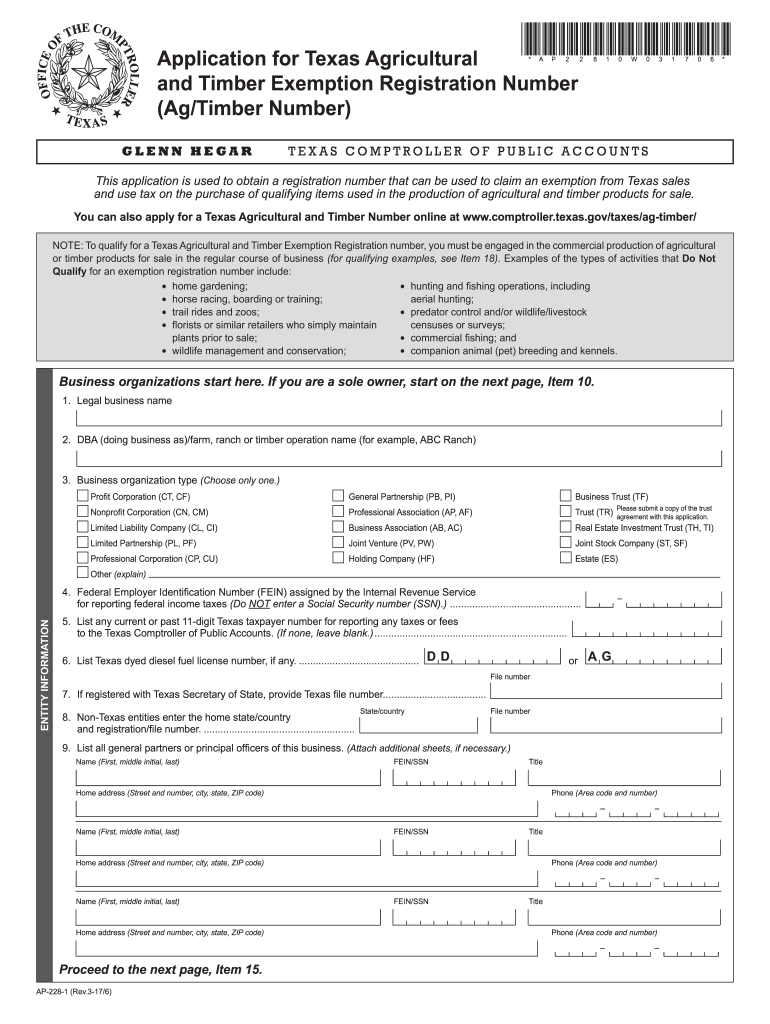




Here's how it works

01. Edit your ag exemption in texas form online
Type text, add images, blackout confidential details, add comments, highlights and more.

02. Sign it in a few clicks
Draw your signature, type it, upload its image, or use your mobile device as a signature pad.

03. Share your form with others
Send ag timber via email, link, or fax. You can also download it, export it or print it out.
How to use or fill out Texas Agricultural or Timber Registration

- Click ‘Get Form’ to open it in the editor.
- Begin by entering your legal name as required in Item 1. If you are a sole owner, proceed to Item 10.
- In Item 10, provide your full name and DBA (doing business as) if applicable. If you do not have a Social Security Number (SSN), check the box provided and enter your National ID number.
- Complete Items 15 and 16 with your mailing address and physical location where agricultural or timber products are produced. Ensure accuracy for effective communication.
- Select your primary exempt activity from the list in Item 18. Choose only one that best represents your main business operation.
- Finally, sign and date the application at the end of the form, certifying that you are engaged in qualifying agricultural or timber production.
Start filling out your Texas Agricultural or Timber Registration today using our platform for free!
Fill out texas agricultural or timber registration online
It's free
See more texas agricultural or timber registration versions
We've got more versions of the texas agricultural or timber registration form. Select the right texas agricultural or timber registration version from the list and start editing it straight away!
Security and compliance
At DocHub, your data security is our priority. We follow HIPAA, SOC2, GDPR, and other standards, so you can work on your documents with confidence.
Learn more


Related forms
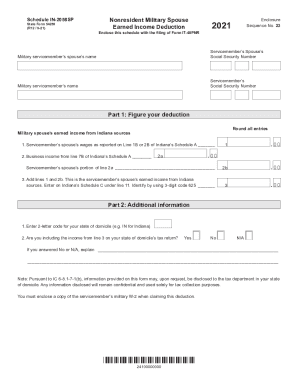
Fillable Online forms in State Form 54259 Fax Email Print ...
The document is Schedule IN-2058SP, which outlines the process for nonresident military spouses to claim an earned incom ...
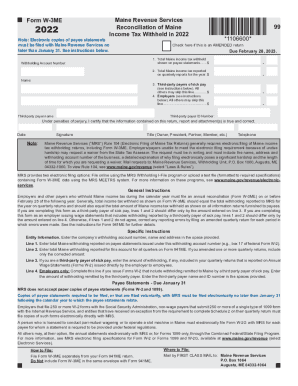
2022 maine form
The document is Form W-3ME for the year 2022, used for the reconciliation of Maine income tax withheld. It outlines the ...
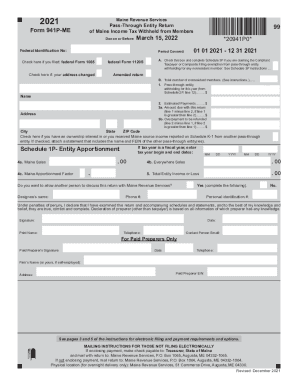
941pme
The document is the Form 941P-ME, a Pass-Through Entity Return for Maine Income Tax Withheld from Members, due by March ...
I 566 instructions
The document provides detailed instructions for completing Form I-566, which is used to request employment authorization ...

Rdt 120 form
The document is an application form for establishing, renewing, or modifying a Virginia International Fuel Tax Agreement ...
Re entry application
The document provides instructions for re-entering Baruch College, detailing application requirements, deadlines, and im ...

Uben 121
The document is an enrollment form for the UC Medicare Choice, a Medicare Advantage PPO plan. It outlines the necessary ...
Remserv online
The document provides a detailed guide for submitting claims for salary packaging benefits through RemServ. It includes ...