




01. Edit your dear employer letter online
Type text, add images, blackout confidential details, add comments, highlights and more.

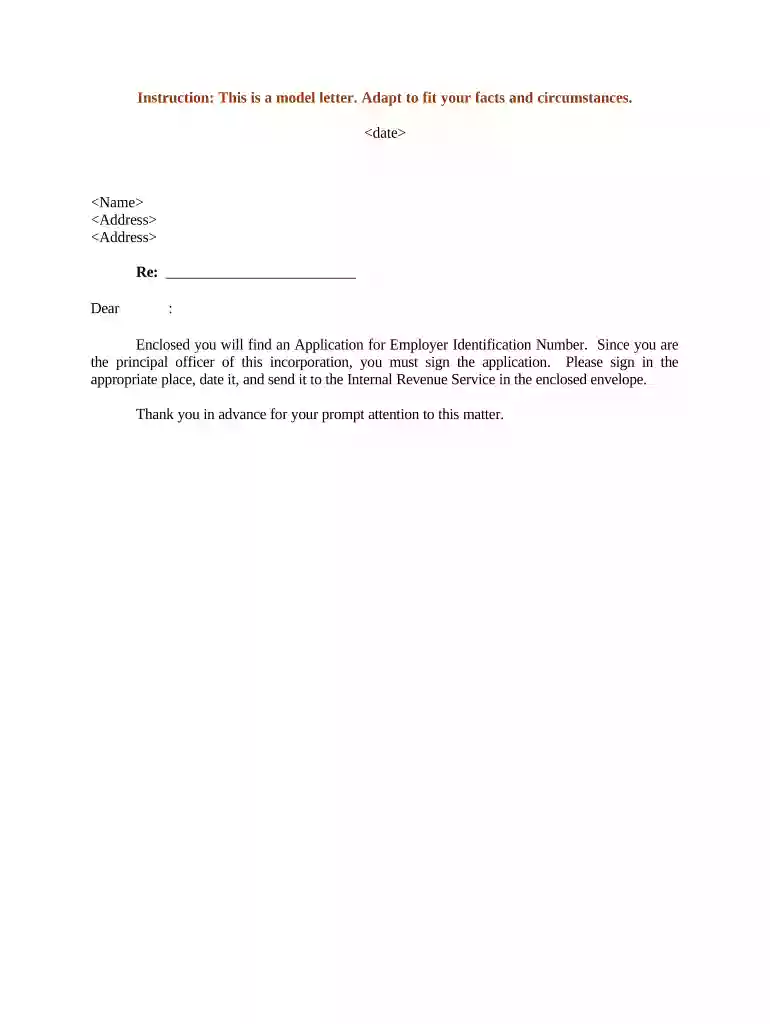
Type text, add images, blackout confidential details, add comments, highlights and more.

Draw your signature, type it, upload its image, or use your mobile device as a signature pad.

Send dear employer via email, link, or fax. You can also download it, export it or print it out.

Start using our platform today to streamline your document editing and signing process for free!
At DocHub, your data security is our priority. We follow HIPAA, SOC2, GDPR, and other standards, so you can work on your documents with confidence.


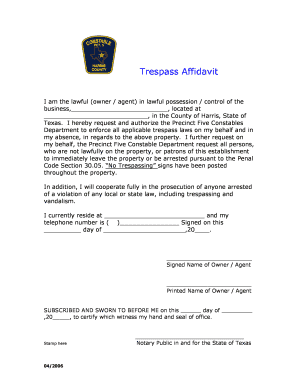
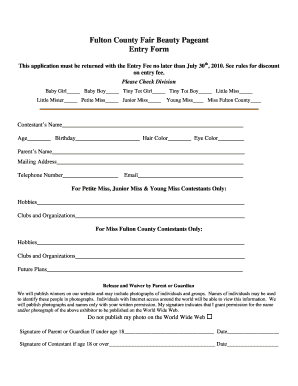
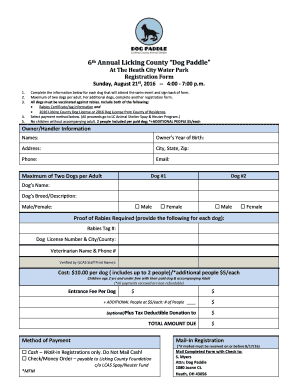


This resource covers the parts of the basic business letter and provides three sample business letters.
These letters are basic templates to assist you with your own letter and not intended to be all encompassing with letter formats. Please be consistent.
A job application letter is essentially a detailed pitch to convince a prospective employer of your eligibility for the open position for which you are applying


