




01. Edit your form online
Type text, add images, blackout confidential details, add comments, highlights and more.

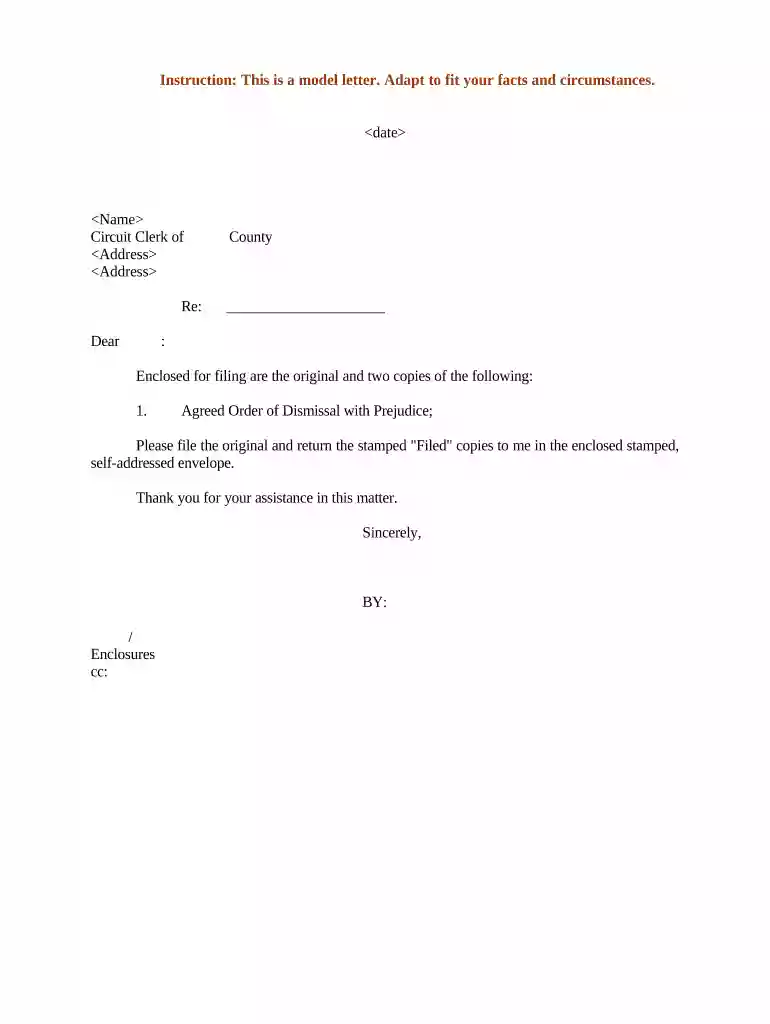
Type text, add images, blackout confidential details, add comments, highlights and more.

Draw your signature, type it, upload its image, or use your mobile device as a signature pad.

Send it via email, link, or fax. You can also download it, export it or print it out.

Start using our platform today to streamline your document editing and signing process for free!
At DocHub, your data security is our priority. We follow HIPAA, SOC2, GDPR, and other standards, so you can work on your documents with confidence.

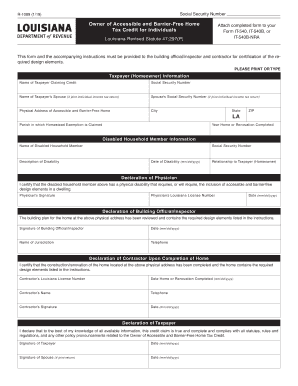

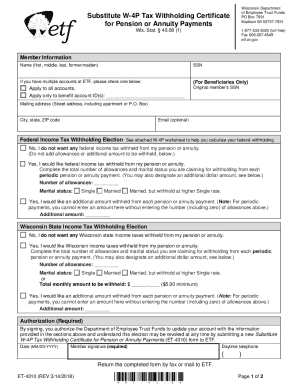
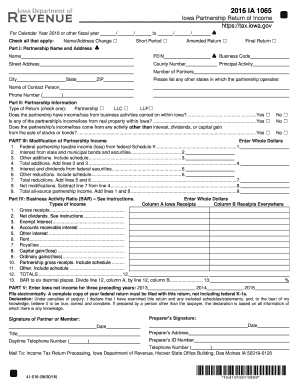
In the first paragraph, consider a friendly opening and then a statement of the main point. The next paragraph should begin justifying the importance of the
References letters are submitted directly to eRA Commons at Submit Reference Letter. Referees DO NOT need need to login to eRA Commons to submit their letters.Read more
Nov 11, 2024 Game Instructions: This will throw out your current letter, allowing you to write a different one. You will gain some Whispered Hints.Read more


