




01. Edit your how to write a letter requesting an informal hearing online
Type text, add images, blackout confidential details, add comments, highlights and more.

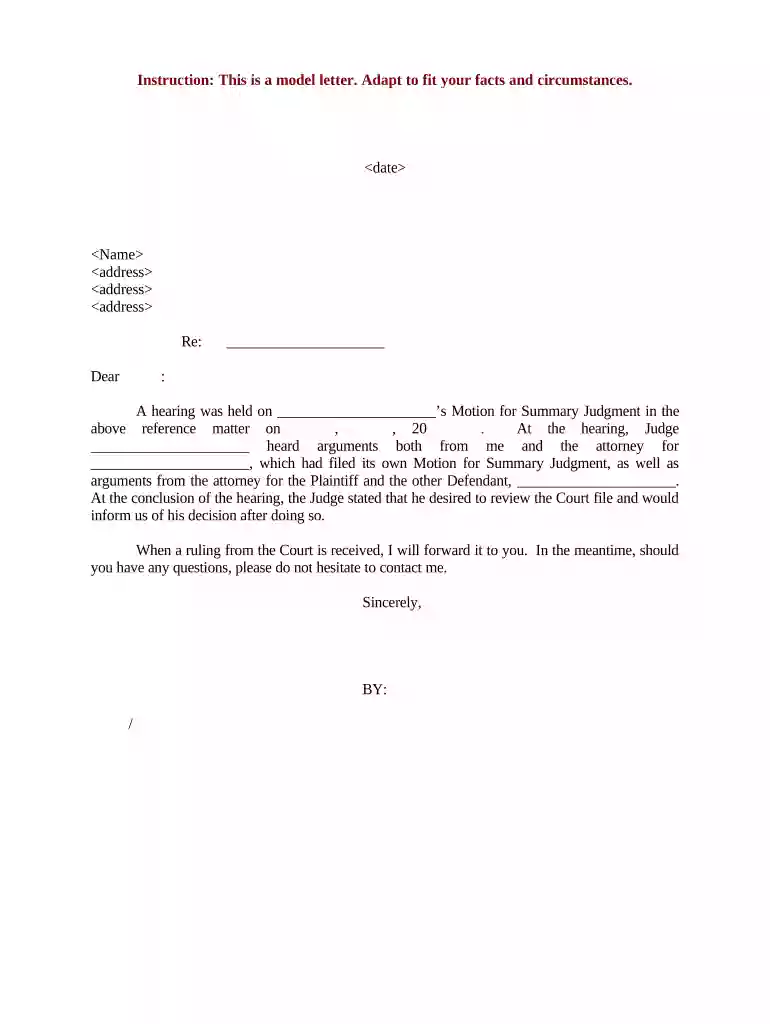
Type text, add images, blackout confidential details, add comments, highlights and more.

Draw your signature, type it, upload its image, or use your mobile device as a signature pad.

Send it via email, link, or fax. You can also download it, export it or print it out.

Start using our platform today to effortlessly complete your documents online for free!
Most eSignature solutions require users to have a paid subscription. With DocHub, there are two options for you to create an electronic signature to your sample letter client free of charge:
The second option, however, has limitations on the number of signatures, sign requests, emails, and documents for editing available per month. You can check for full details here.
If your go-to electronic mail service is Gmail, you can easily integrate your DocHub editor into your work. Modify your sample letter client with DocHub instruments and connect it to your drafts in Gmail. See how straightforward it is to exchange files and work together with a swift PDF editing solution at hand.
At DocHub, your data security is our priority. We follow HIPAA, SOC2, GDPR, and other standards, so you can work on your documents with confidence.


For example, opening a folder with the Windows Vista client works the same way with the Windows XP client. However, the client programs might not look the same.Read more
Sample Client Follow-up Letter. (Use facility letterhead). Date: Dear: It is important that you contact this office immediately by calling (000) 000-0000. WeRead more
Example Client Letter 1) Opening paragraph states the clients problem, specifies the legal issue on which the client seeks advice, and states the writersRead more


