




Here's how it works
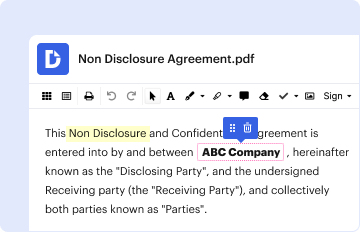
01. Edit your form online
Type text, add images, blackout confidential details, add comments, highlights and more.

02. Sign it in a few clicks
Draw your signature, type it, upload its image, or use your mobile device as a signature pad.

03. Share your form with others
Send it via email, link, or fax. You can also download it, export it or print it out.
How to use or fill out Texas Changing Name with Our Platform

- Click ‘Get Form’ to open the Texas Changing Name document in the editor.
- Begin by entering the current full legal name of the individual(s) seeking a name change in the designated field.
- Fill in the court number and county information as required, ensuring accuracy for jurisdiction purposes.
- Complete the personal information section for each petitioner, including their current legal name, address, date of birth, and any relevant identification numbers.
- Indicate whether each petitioner has been charged with any misdemeanors or felonies by checking the appropriate boxes and providing details if applicable.
- For minors, repeat the process for each child listed, ensuring all fields are filled out accurately to reflect their current names and personal details.
- Review all entries for completeness and correctness before submitting your form through our platform.
Start using our platform today to streamline your Texas Changing Name process for free!
Fill out texas changing name online
It's free
It's free
Security and compliance
At DocHub, your data security is our priority. We follow HIPAA, SOC2, GDPR, and other standards, so you can work on your documents with confidence.
Learn more


Related forms

Release probation
The document is a legal motion filed in a circuit court requesting the release of a defendant on Earned Probation. It ou ...

Motion to amend form
The document is a legal motion filed by the Plaintiff requesting permission from the court to amend a previously submitt ...

Tx deed
The document is a Texas Distribution Deed, which outlines the formal transfer of property from the Joint Independent Exe ...


