Type text, add images, blackout confidential details, add comments, highlights and more.
02. Sign it in a few clicks
Draw your signature, type it, upload its image, or use your mobile device as a signature pad.
03. Share your form with others
Send it via email, link, or fax. You can also download it, export it or print it out.
How to use or fill out Texas Contract with Our Platform
Ease of Setup
DocHub User Ratings on G2
Ease of Use
DocHub User Ratings on G2
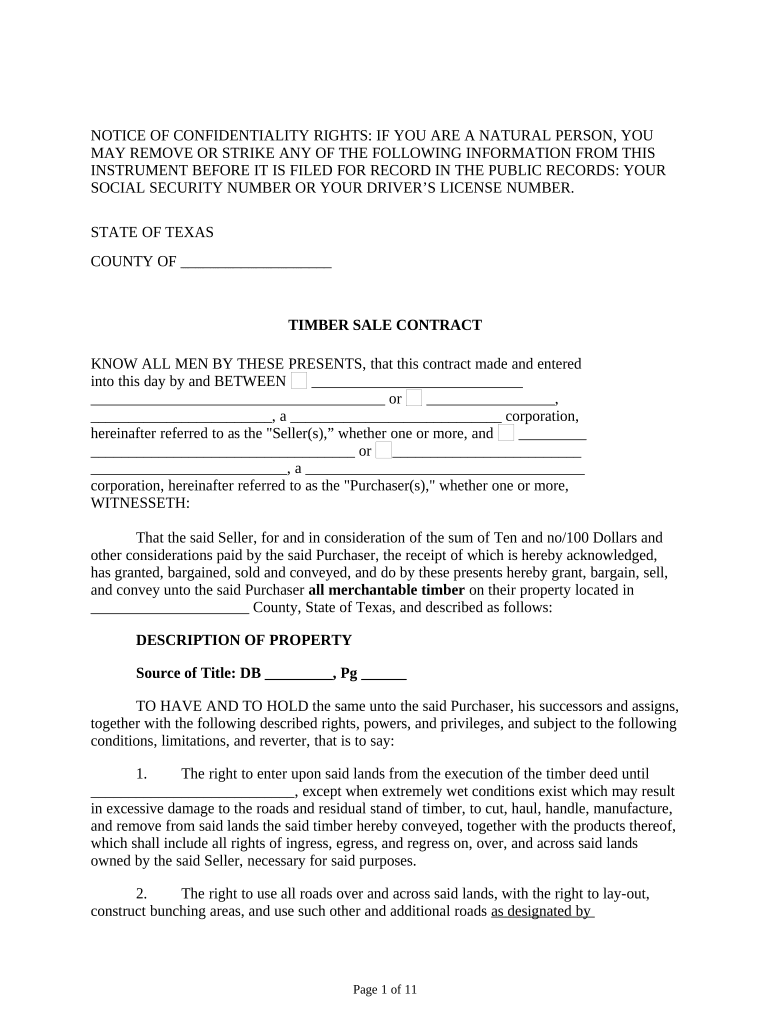
Click ‘Get Form’ to open the Texas Contract in the editor.
Begin by filling in the Seller's and Purchaser's names in the designated fields. Ensure that you accurately represent whether they are individuals or corporations.
In the 'Description of Property' section, provide details about the property location and source of title. This is crucial for identifying the timber involved in the contract.
Review and complete each clause regarding rights, responsibilities, and conditions related to timber cutting and removal. Pay special attention to clauses about management practices and environmental considerations.
Fill in any financial details, including deposits and payment rates for timber cut but not sold. Ensure these figures are accurate to avoid disputes later.
Finally, ensure all parties sign where indicated, including witnesses if required. Use our platform’s signature feature for a seamless signing experience.
Start using our platform today to streamline your Texas Contract editing process for free!
TREC contract PDFFor sale by owner contract Texas pdfState of Texas contract jobsState of Texas contract lookupTREC Unimproved Property contractTexas Procurement contractsTREC Commercial contract IMPROVED PropertyWhich of these words newly appears in the One to Four Family contract
Security and compliance
At DocHub, your data security is our priority. We follow HIPAA, SOC2, GDPR, and other standards, so you can work on your documents with confidence.
As public records, contract forms adopted by the Texas Real Estate Commission are available to any person. Real estate license holders are required to useRead more
May 22, 2026 Rio Grande LNG Terminal is an LNG export terminal in United States with units that are cancelled (confirmed), proposed, and in construction.
The Department of Procurement and Strategic Sourcing shall provide contract development and award support; assisting departments with the solicitation,Read more
Cookie consent notice
This site uses cookies to enhance site navigation and personalize your experience.
By using this site you agree to our use of cookies as described in our Privacy Notice.
You can modify your selections by visiting our Cookie and Advertising Notice.