




Here's how it works

01. Edit your dochub com fillable form online
Type text, add images, blackout confidential details, add comments, highlights and more.

02. Sign it in a few clicks
Draw your signature, type it, upload its image, or use your mobile device as a signature pad.

03. Share your form with others
Send sellers temporary residential lease via email, link, or fax. You can also download it, export it or print it out.
How to use or fill out seller temporary residential lease with our platform

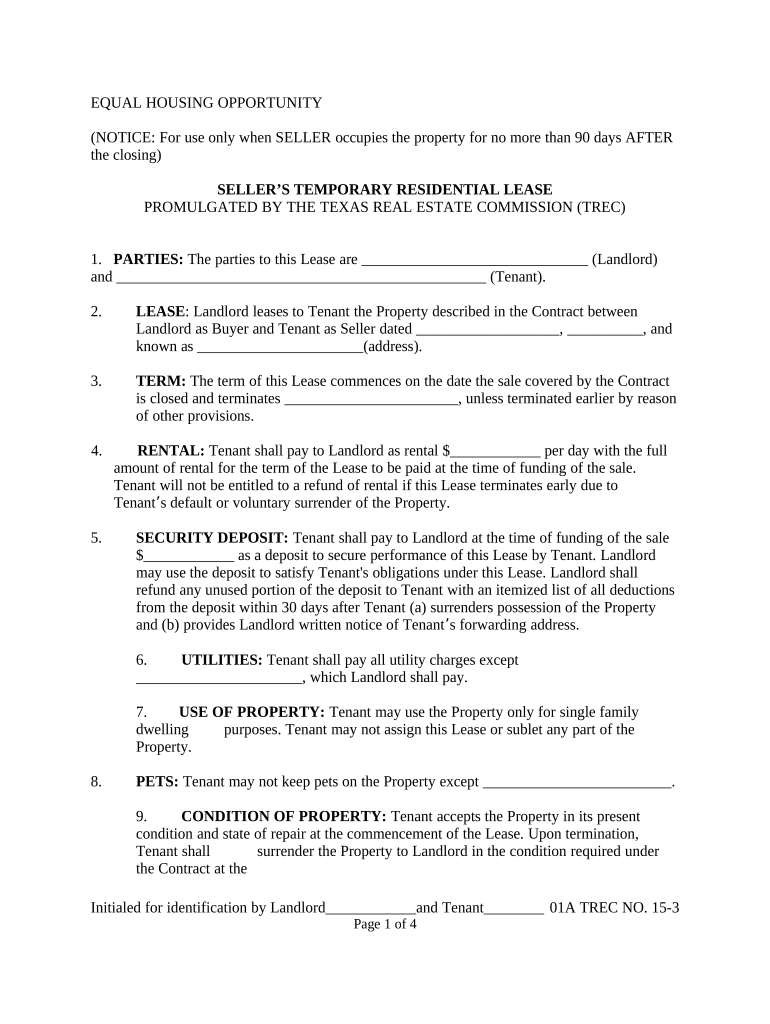
- Click ‘Get Form’ to open the seller temporary residential lease in the editor.
- Begin by filling in the 'PARTIES' section, entering the names of the Landlord and Tenant. This identifies who is involved in the lease agreement.
- In the 'LEASE' section, specify the property address and reference the contract date between Landlord and Tenant.
- Set the 'TERM' of the lease by indicating when it starts and when it will end, ensuring clarity on duration.
- Fill in the 'RENTAL' amount per day that Tenant will pay to Landlord, along with any security deposit details required at funding.
- Complete sections regarding utilities, property use, pets, condition of property, alterations, inspections, repairs, and maintenance as applicable.
- Review all entries for accuracy before finalizing. Ensure both parties sign where indicated to execute the lease.
Start using our platform today to easily complete your seller temporary residential lease online for free!
Fill out seller temporary residential lease online
It's free
It's free
Security and compliance
At DocHub, your data security is our priority. We follow HIPAA, SOC2, GDPR, and other standards, so you can work on your documents with confidence.
Learn more


Related forms
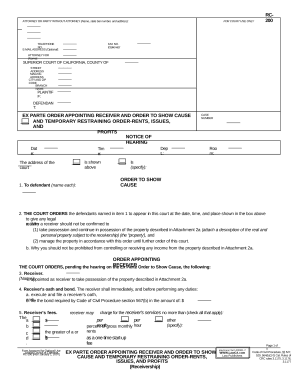
Order show cause
The document is an Ex Parte Order from the Superior Court of California appointing a receiver to manage specific propert ...