Type text, add images, blackout confidential details, add comments, highlights and more.
02. Sign it in a few clicks
Draw your signature, type it, upload its image, or use your mobile device as a signature pad.
03. Share your form with others
Send it via email, link, or fax. You can also download it, export it or print it out.
How to use or fill out personnel handbook with our platform
Ease of Setup
DocHub User Ratings on G2
Ease of Use
DocHub User Ratings on G2
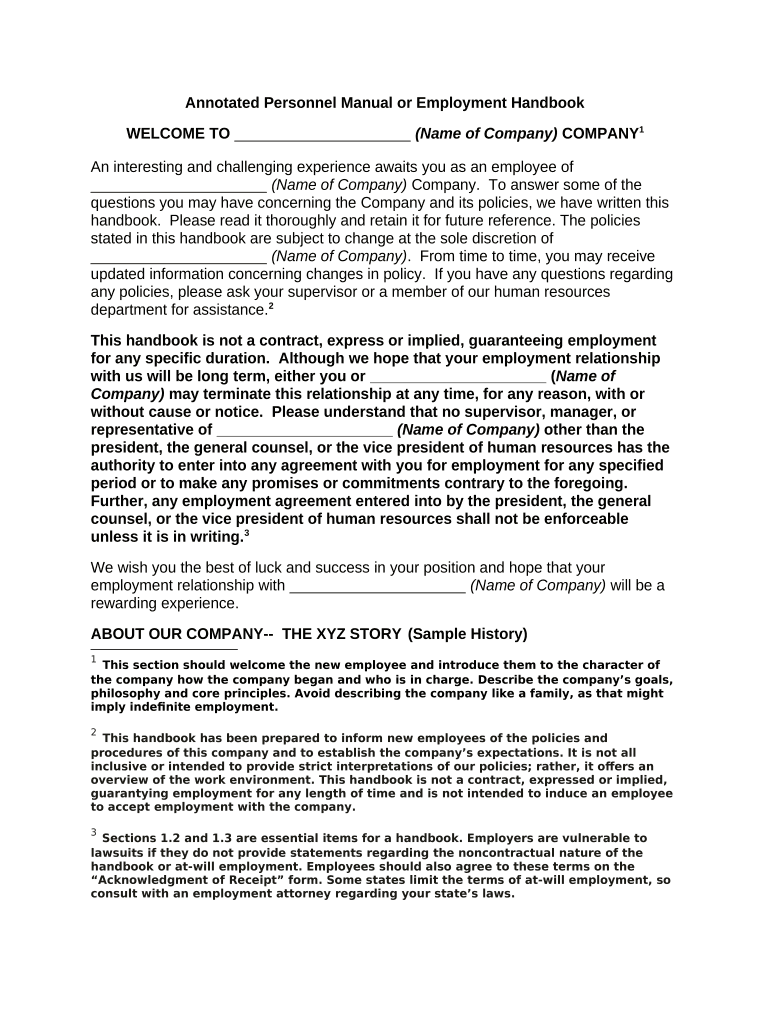
Click 'Get Form' to open the personnel handbook in the editor.
Begin by reviewing the welcome section, which introduces you to the company and its policies. Familiarize yourself with the company's goals and philosophy.
Proceed to fill out your personal information in the designated fields, ensuring accuracy for future reference.
Read through each policy section carefully, such as Equal Employment Opportunity and Employment of Relatives, making sure you understand your rights and responsibilities.
Complete any acknowledgment forms included in the handbook, confirming your understanding of the policies outlined.
Utilize our platform's features to sign electronically where required, streamlining your submission process.
Once completed, save your changes and share or print a copy for your records.
Engage with our platform today to simplify filling out your personnel handbook!
Cookie consent notice
This site uses cookies to enhance site navigation and personalize your experience.
By using this site you agree to our use of cookies as described in our Privacy Notice.
You can modify your selections by visiting our Cookie and Advertising Notice.