




Here's how it works

01. Edit your list of partners on letterhead format online
Type text, add images, blackout confidential details, add comments, highlights and more.

02. Sign it in a few clicks
Draw your signature, type it, upload its image, or use your mobile device as a signature pad.

03. Share your form with others
Send partnership letter via email, link, or fax. You can also download it, export it or print it out.
How to use or fill out sample letter partner with our platform

- Click ‘Get Form’ to open the sample letter partner in the editor.
- Begin by entering the date at the top of the letter. This sets the context for your correspondence.
- Fill in the recipient's name and address details, including address line 1, address line 2, city, state, and ZIP code. Ensure accuracy for proper delivery.
- In the greeting section, personalize your message by addressing the recipient appropriately.
- In the body of the letter, express your gratitude for their request and clearly state your reason for declining. Be sure to include your partner's name where indicated.
- Conclude with a positive note wishing them success and offer future assistance if applicable.
- Finally, sign off with your name and title as needed before saving or sending your completed document.
Start using our platform today to easily fill out and manage your documents online for free!
Fill out sample letter partner online
It's free
It's free
Security and compliance
At DocHub, your data security is our priority. We follow HIPAA, SOC2, GDPR, and other standards, so you can work on your documents with confidence.
Learn more


Related forms
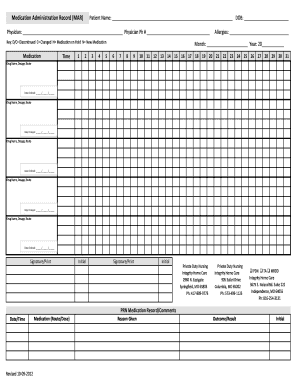
Medication Administration Record (MAR) Patient Name: DOB: Physician: Physician Ph # Key: D/C Discontinued C Changed H Medication on Hold N New Medication Medication Time 1 2 3 4 5 Allergies: Month: Year: 20 6 7 8 9 10 11 12 13 14 15 16 17
Medication Administration Record (MAR) Patient Name: DOB: Physician: Physician Ph # Key: D/C Discontinued C Changed H Medication on Hold N New Medication Medication Time 1 2 3 4 5 Allergies: Month: Year: 20 6 7 8 9 10 11 12 13 14 15 16 17
The document is a Medication Administration Record (MAR) used for tracking patient medications, including details such a ...
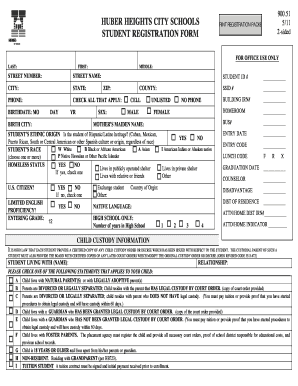
STUDENT REGISTRATION FORM - Huber Heights City Schools - huberheightscityschools
The document is a comprehensive student registration form for Huber Heights City Schools, which includes sections for pe ...
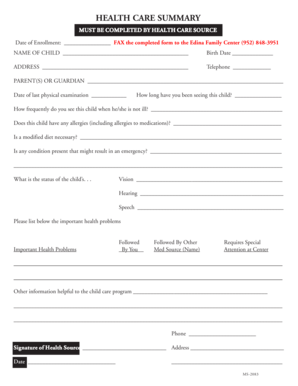
MS-2083.p65
The document is a health care summary form that must be completed by a health care provider for a child enrolled at the ...

Appearance sheet new york supreme court
The document is a judicial subpoena issued by the Appellate Division of the Supreme Court of New York, commanding the Cl ...
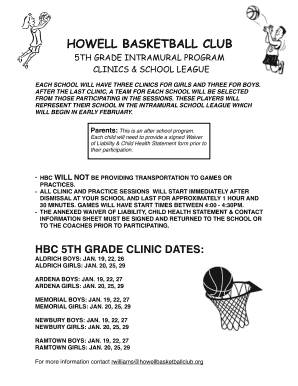
Howell basketball club
The Howell Basketball Club is organizing a 5th grade intramural program that includes clinics and a school league for bo ...
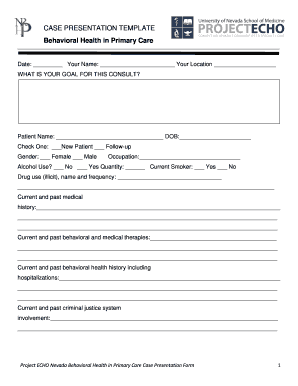
CASE PRESENTATION TEMPLATE - medicinenevadaedu - medicine nevada
The document is a case presentation template for behavioral health in primary care, designed to collect comprehensive pa ...
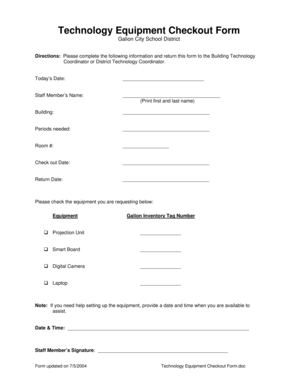
Technology check out form
The document is a Technology Equipment Checkout Form for the Galion City School District, designed for staff members to ...