




Here's how it works

01. Edit your motion to set online
Type text, add images, blackout confidential details, add comments, highlights and more.

02. Sign it in a few clicks
Draw your signature, type it, upload its image, or use your mobile device as a signature pad.

03. Share your form with others
Send it via email, link, or fax. You can also download it, export it or print it out.
How to use or fill out motion to set case for trial with our platform

- Click ‘Get Form’ to open the motion to set case for trial in the editor.
- Begin by filling in the name of the district and state at the top of the form. This identifies where your case is being heard.
- In the section for 'Nature of action', provide a brief description of your case, outlining its key elements.
- Indicate whether a trial by jury is demanded by checking 'is' or 'is not'.
- Estimate the time required for trial and pretrial conference, specifying days or hours as needed.
- State whether negotiations are pending for settlement and if a special pretrial settlement calendar is requested.
- Provide reasons why your case deserves legal preference in setting, ensuring clarity and detail.
- Fill in the attorney's details for the defendant, including name, address, and contact information.
- Complete the certification section confirming that all necessary pleadings are addressed and no further actions are pending before trial.
Start using our platform today to streamline your document editing process for free!
Fill out motion to set case for trial online
It's free
It's free
Security and compliance
At DocHub, your data security is our priority. We follow HIPAA, SOC2, GDPR, and other standards, so you can work on your documents with confidence.
Learn more


Related forms

Esb nw1 form
The document is an application form (FORM NW1) from ESB Networks DAC for setting up and managing electricity supply conn ...
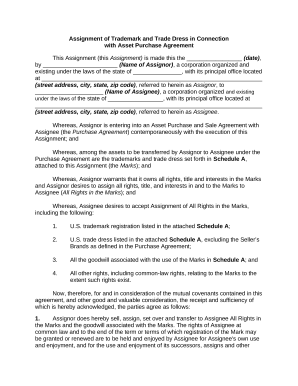
Trademark with
The document is an Assignment of Trademark and Trade Dress in connection with an Asset Purchase Agreement, where the Ass ...
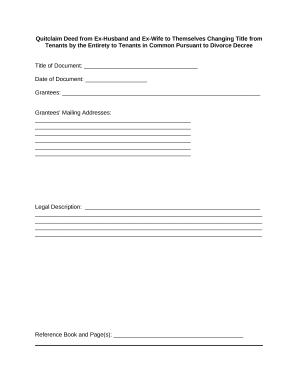
Ex husband
The document is a Quitclaim Deed executed by an ex-husband and ex-wife to change the title of their property from 'tenan ...