



Here's how it works



How to use or fill out ssagov721 2012 form with our platform

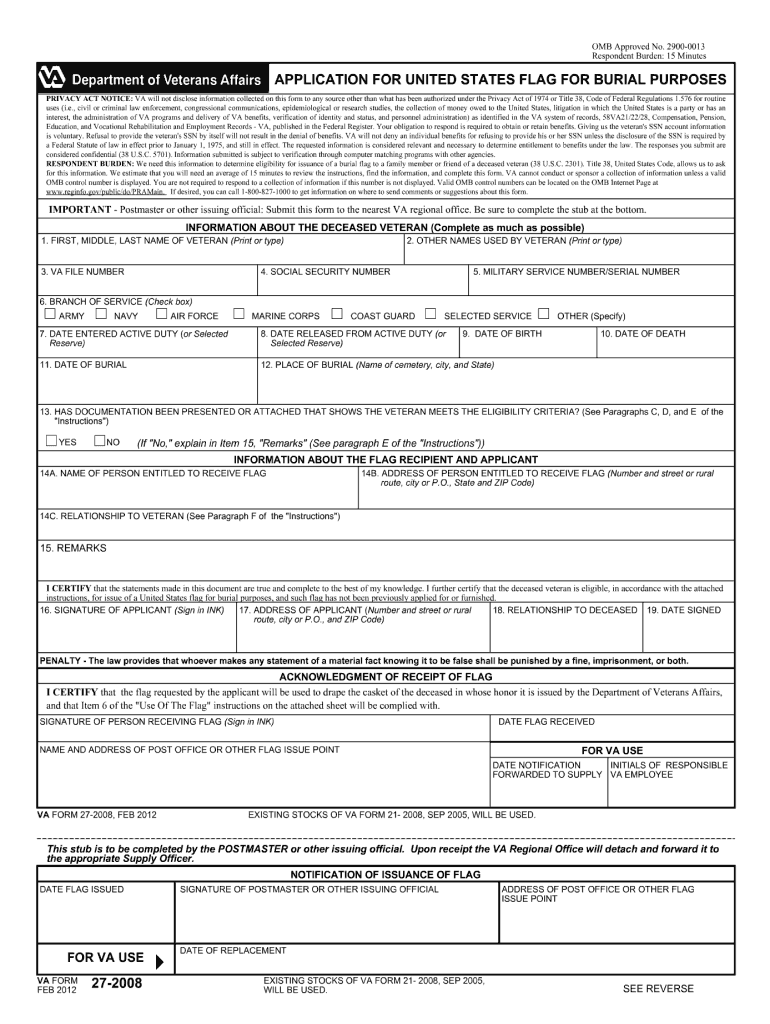
- Click ‘Get Form’ to open the ssagov721 2012 form in the editor.
- Begin by entering your personal information in the designated fields, including your name, address, and Social Security number. Ensure accuracy to avoid processing delays.
- Next, navigate to the income section. Here, you will need to provide details about your earnings. Use our platform's text boxes for easy input and editing.
- Proceed to the deductions area. Carefully list any applicable deductions that may apply to your situation. Utilize the checkboxes for quick selections.
- Finally, review all entered information for completeness and accuracy. Once satisfied, use our platform’s signature feature to sign electronically before submitting.
Start using our platform today for free and streamline your form completion process!
It's free
See more ssagov721 2012 form versions
Got questions?
Can I sign my ssagov721 2012 form on a mobile?
Of course, you’ll find many different apps for this on the web. Nevertheless, if you need to eSign your ssagov721 2012 form without installing extra software, DocHub is the optimum choice you can make. This powerful editor works on mobile devices just as on desktops. Open our editor in your preferred internet browser, register or sign in to your account, and start processing your documents.
What internet browser do I need to edit ssagov721 2012 form online?
If you want to edit your ssagov721 2012 form on the internet quickly, it does not matter what web browser you employ. DocHub’s simple editing instruments are accessible using any internet browser. Simply open the appropriate tab within our editor, add your document, and fill it out without stress.
How do I submit a form to Social Security?
Can you collect your parents Social Security when they die?
How long do you get Social Security for a deceased parent?
Security and compliance
At DocHub, your data security is our priority. We follow HIPAA, SOC2, GDPR, and other standards, so you can work on your documents with confidence.
Learn more


Related forms