




01. Edit your form online
Type text, add images, blackout confidential details, add comments, highlights and more.

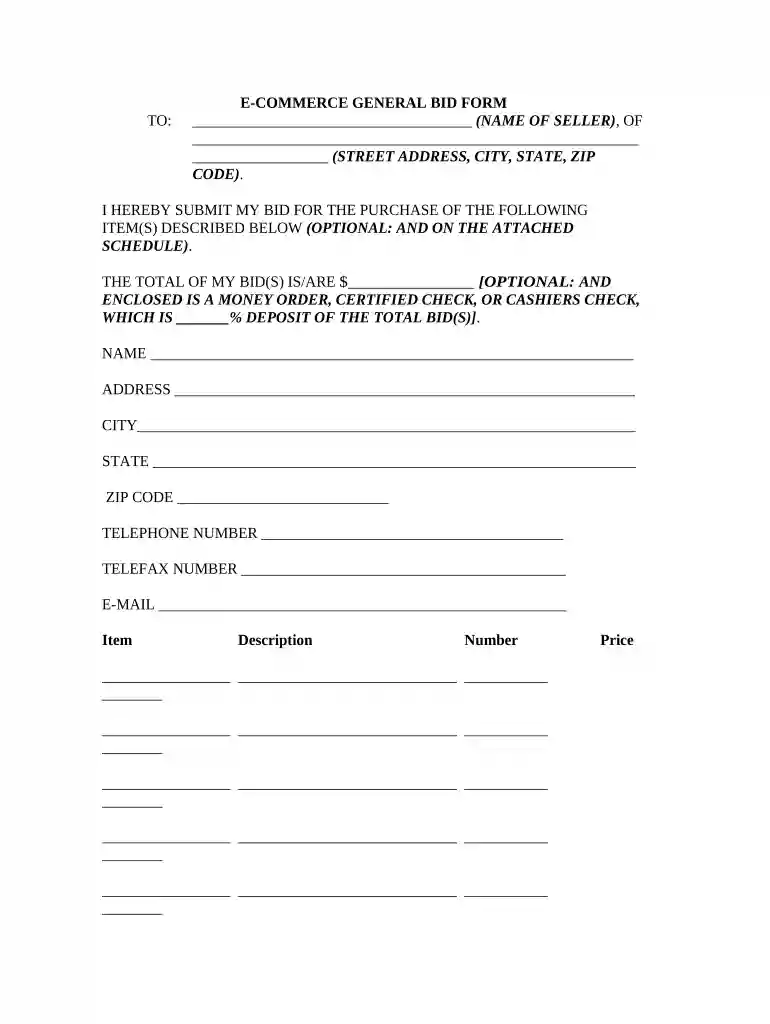
Type text, add images, blackout confidential details, add comments, highlights and more.

Draw your signature, type it, upload its image, or use your mobile device as a signature pad.

Send it via email, link, or fax. You can also download it, export it or print it out.

Start using our platform today to streamline your bid proposal process for free!
At DocHub, your data security is our priority. We follow HIPAA, SOC2, GDPR, and other standards, so you can work on your documents with confidence.


A Request for Proposal (RFP) is a structured invitation that asks qualified suppliers to articulate how they will solve a stated business need and at whatRead more
This template is to be used for a request for bid for simplified bidding procurements between $5,000 through $50,000 with.Read more
Resource for Development of Contract Bid Proposals. First Time Users, First Time User Guidance, Help.


