Type text, add images, blackout confidential details, add comments, highlights and more.
02. Sign it in a few clicks
Draw your signature, type it, upload its image, or use your mobile device as a signature pad.
03. Share your form with others
Send it via email, link, or fax. You can also download it, export it or print it out.
How to use or fill out employee handbooks with our platform
Ease of Setup
DocHub User Ratings on G2
Ease of Use
DocHub User Ratings on G2
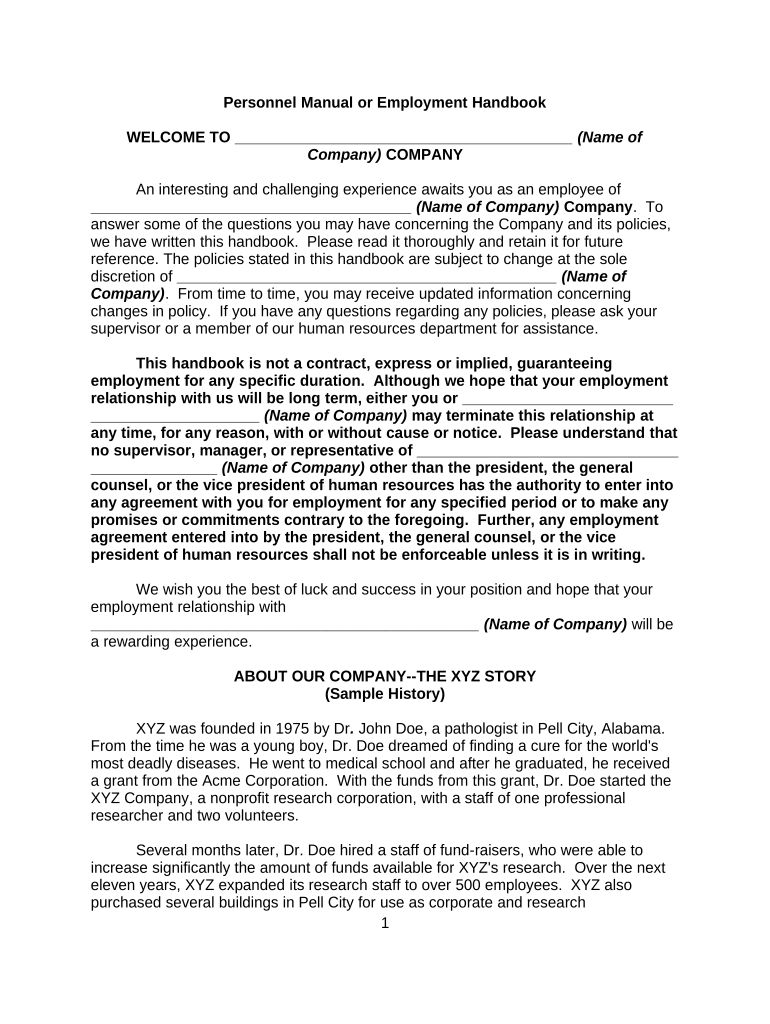
Click ‘Get Form’ to open the employee handbook in the editor.
Begin by filling in your personal information, such as your name and position, in the designated fields. This ensures that the document is personalized for you.
Review each section carefully. The handbook includes important policies on equal employment opportunity, job postings, and workplace conduct. Make sure to understand these policies as they govern your employment.
If there are sections requiring acknowledgment or signatures, use the signing feature in our platform to electronically sign where indicated. This confirms your understanding and acceptance of the policies outlined.
Once completed, save your changes and download a copy for your records. You can also share it directly with HR through our platform for any necessary follow-up.
Start using our platform today to easily fill out and manage your employee handbook!
May 31, 2023 An employee handbook is a clear-cut document that outlines a companys policies and procedures. It also lays out any organizational expectations.Read more
This handbook was developed to describe some of the expectations we have for all of our employees and to outline the policies, programs, and benefits availableRead more
Cookie consent notice
This site uses cookies to enhance site navigation and personalize your experience.
By using this site you agree to our use of cookies as described in our Privacy Notice.
You can modify your selections by visiting our Cookie and Advertising Notice.