




Here's how it works

01. Edit your bpi downloadable forms pdf online
Type text, add images, blackout confidential details, add comments, highlights and more.

02. Sign it in a few clicks
Draw your signature, type it, upload its image, or use your mobile device as a signature pad.

03. Share your form with others
Send free sample letter via email, link, or fax. You can also download it, export it or print it out.
How to use or fill out sample letter new with our platform

- Click ‘Get Form’ to open the sample letter new in the editor.
- Begin by entering the date at the top of the letter. This is crucial for record-keeping and ensures that your correspondence is timely.
- In the 'VIA FACSIMILE NO' section, input the fax number you will be using to send this letter. This helps ensure that your communication reaches its intended recipient promptly.
- Fill in the recipient's name and address in the designated fields. Make sure to double-check for accuracy to avoid any delivery issues.
- In the body of the letter, personalize it by addressing any specific concerns discussed during your previous conversation. This adds a personal touch and reinforces your commitment to resolving the issue.
- Finally, sign off with your name and title, ensuring that all enclosures are mentioned if applicable. This completes your professional correspondence.
Start editing your sample letter new today for free on our platform!
Fill out sample letter new online
It's free
It's free
Security and compliance
At DocHub, your data security is our priority. We follow HIPAA, SOC2, GDPR, and other standards, so you can work on your documents with confidence.
Learn more


Related forms
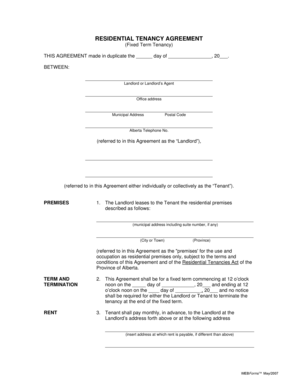
Creb residential tenancy agreement
The document is a Residential Tenancy Agreement for a fixed-term lease in Alberta, outlining the terms and conditions be ...

Sibley memorial maternity
The document is a Maternity Pre-Registration Form for Sibley Memorial Hospital, requiring patients to provide personal, ...
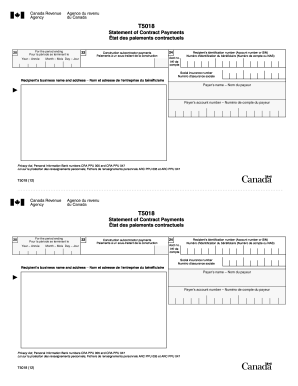
GA Rush Spirit Order Form Back
The document is a T5018 Statement of Contract Payments, which details payments made to construction subcontractors for a ...
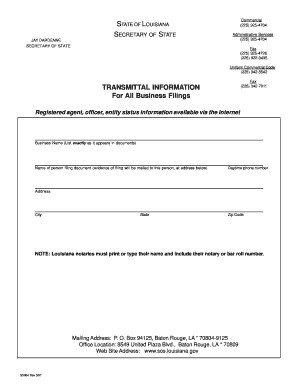
Affidavit to Dissolve - Louisiana Corporation. Affidavit to Dissolve - Louisiana Corporation - brac
Affidavit to Dissolve - Louisiana Corporation. Affidavit to Dissolve - Louisiana Corporation - brac
The document outlines the process for dissolving a corporation in Louisiana, including the necessary affidavit to be fil ...

Centerpoint energy consent to encroach form
The document is a Consent to Encroachment Application Form from CenterPoint Energy, detailing the process for requesting ...

Minnesota Delegation of Power by Parent form - Flanders Law Firm ...
The document is a legal form for the delegation of parental powers by a parent or guardian in Minnesota, allowing them t ...

Form ifta trip form
The document is an IFTA/IRP Individual Trip Report form used to record mileage and fuel information for each trip. It in ...