Sample letter documents 2026

Get Form
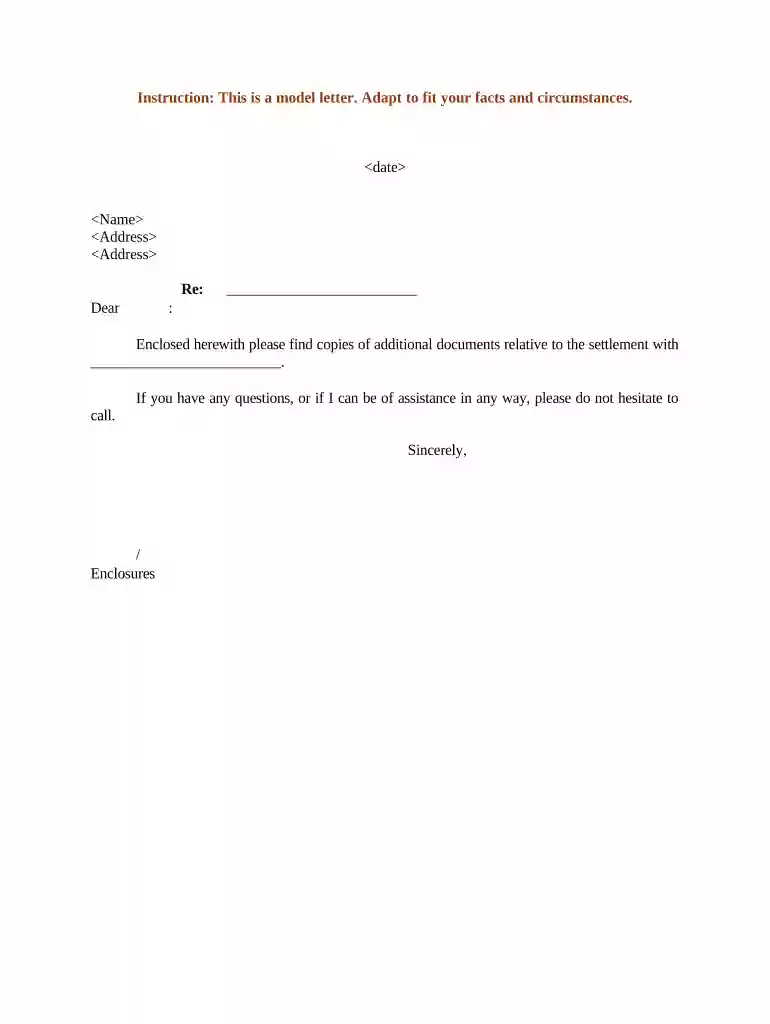
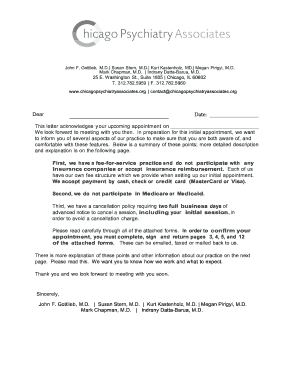
sample letter documents Preview on Page 1

Here's how it works

01. Edit your form online
Type text, add images, blackout confidential details, add comments, highlights and more.

02. Sign it in a few clicks
Draw your signature, type it, upload its image, or use your mobile device as a signature pad.

03. Share your form with others
Send it via email, link, or fax. You can also download it, export it or print it out.

How to use or fill out sample letter documents with our platform

Form edit decoration
9.5
Ease of Setup
DocHub User Ratings on G2
9.0
Ease of Use
DocHub User Ratings on G2
  1. Click ‘Get Form’ to open the sample letter document in the editor.
  2. Begin by entering the date at the top of the letter. This is essential for record-keeping and context.
  3. Next, fill in the recipient's name and address. Ensure accuracy to maintain professionalism.
  4. In the 'Re:' section, specify the subject or purpose of your correspondence for clarity.
  5. Craft a personalized greeting, such as 'Dear [Recipient's Name],' to establish a friendly tone.
  6. In the body of the letter, clearly state your message regarding the enclosed documents related to the settlement.
  7. Conclude with an offer for assistance and your signature line, followed by any enclosures you are including.

Start using our platform today to effortlessly edit and complete your sample letter documents online for free!

be ready to get more

Complete this form in 5 minutes or less

Get form

Got questions?

We have answers to the most popular questions from our customers. If you can't find an answer to your question, please contact us.
Contact us
Noting it briefly at the bottom of the letter will suffice. If you cite an attachment in the body, provide a brief notation at the bottom of the letter as well for quick reference. You can also cite the name or type of attachment, or number of pages before the notation.
How to write a formal business letter Write your name and contact information. Include the date. Include the recipients name and contact information. Write a subject line for AMS style. Write a salutation for block style. Write the body of the letter. Include a sign-off for block style. Mention any enclosures.
You can write out the word enclosure entirely, or you can use abbreviations like Enc. or Encl. You can choose which abbreviation you want to use, but try to remain consistent if you regularly send letters with enclosures to one organization.
What is a free-form letter? A Free-form Letter helps you easily draft almost any business correspondence in a clean, organized format. It has an open-ended body, so you can tailor it to your needs while maintaining the overall structure of the letter.
If you have enclosed any documents along with the letter, such as a resume, you indicate this simply by typing Enclosures below the closing. As an option, you may list the name of each document you are including in the envelope.

Security and compliance

At DocHub, your data security is our priority. We follow HIPAA, SOC2, GDPR, and other standards, so you can work on your documents with confidence.
Learn more
ccpa2
pci-dss
gdpr-compliance
hipaa
soc-compliance

People also ask

To list items within a sentence, use lowercase letters in parentheses to identify each item. Use the correct punctuation either commas or semi-colons to separate the items in a list.
Most business letters must include a return address (letterhead or your name and address), date, an inside address (receivers name and address), a salutation, body paragraphs, and a closing. However, there are several ways to format this information.

Related links