




01. Edit your form online
Type text, add images, blackout confidential details, add comments, highlights and more.

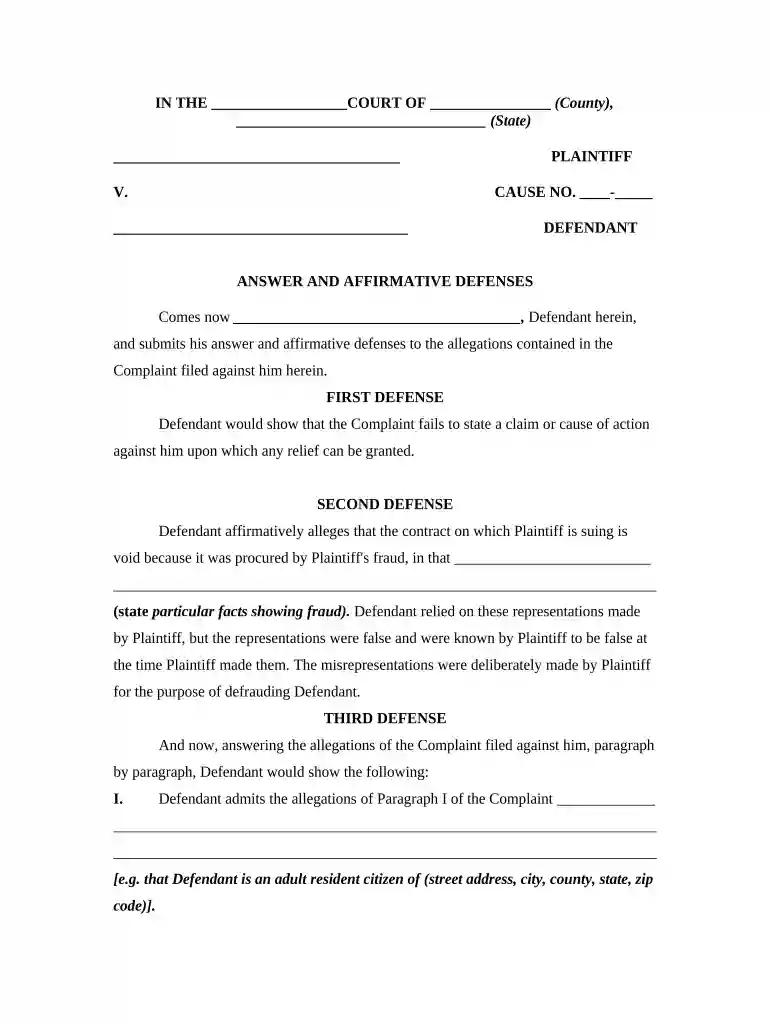
Type text, add images, blackout confidential details, add comments, highlights and more.

Draw your signature, type it, upload its image, or use your mobile device as a signature pad.

Send it via email, link, or fax. You can also download it, export it or print it out.

Start using our platform today for free to streamline your document editing and ensure a smooth filing process!
At DocHub, your data security is our priority. We follow HIPAA, SOC2, GDPR, and other standards, so you can work on your documents with confidence.
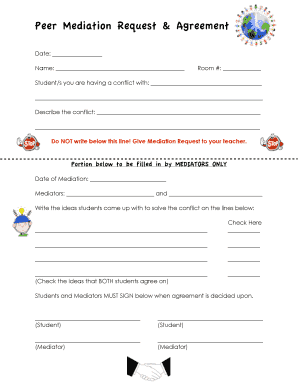
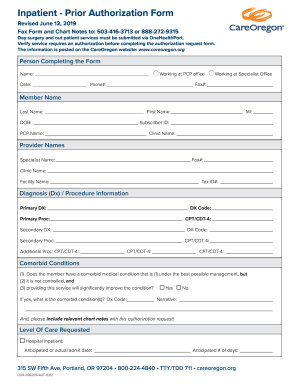
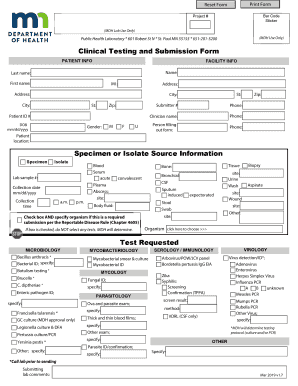
Once you decide to respond to a Complaint, your first step is to decide what type of response. This page will focus on the Answer form. Filing an Answer toRead more
Oct 20, 2020 This article is part of a series on Litigation. Contents. 1 Answer. A defendant agency must file an answer within 30 days of serviceRead more
In law, an answer refers to a defendants first formal written statement to a plaintiffs initial petition or complaint. This opening written statement willRead more


