




Here's how it works

01. Edit your reservation of rights letter sample online
Type text, add images, blackout confidential details, add comments, highlights and more.

02. Sign it in a few clicks
Draw your signature, type it, upload its image, or use your mobile device as a signature pad.

03. Share your form with others
Send reservation of rights letter bank via email, link, or fax. You can also download it, export it or print it out.
How to use or fill out reservation rights with our platform

- Click ‘Get Form’ to open the reservation rights document in the editor.
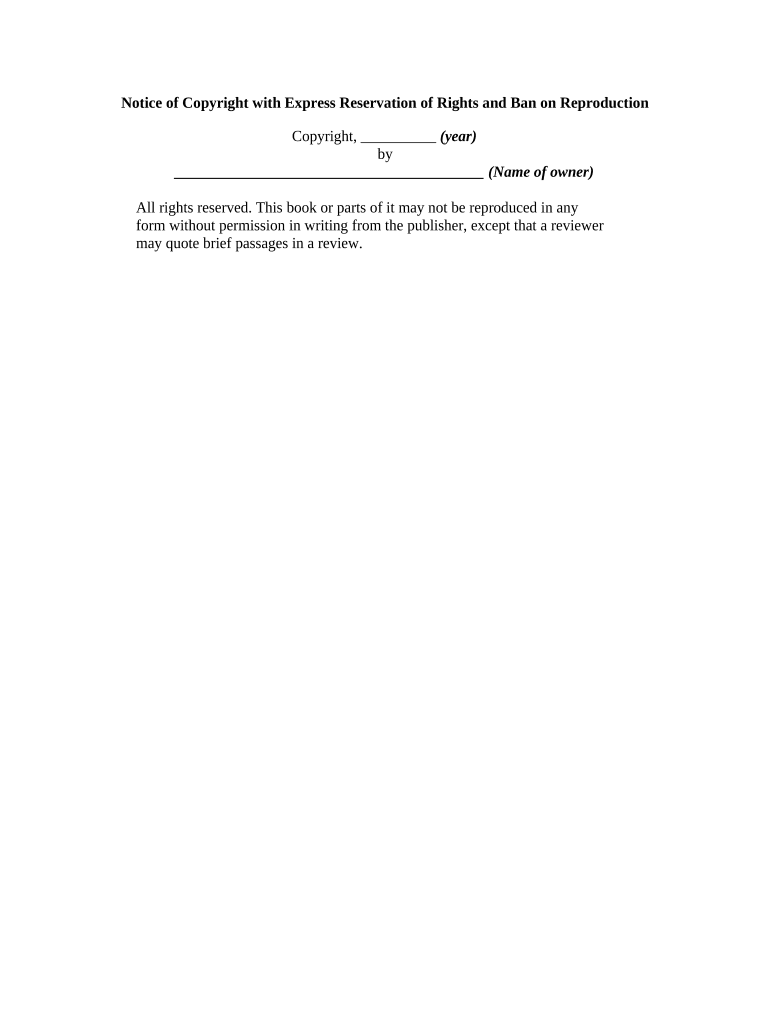
- In the first section, enter the copyright year. This is crucial as it establishes the timeline of your rights.
- Next, fill in the name of the owner in the designated field. Ensure that this is accurate to reflect ownership.
- Review the statement regarding reproduction rights. Make sure it aligns with your intentions for how others may use your work.
- If applicable, add any additional notes or specific permissions you wish to grant, ensuring clarity for potential users of your work.
Start using our platform today to effortlessly manage and complete your reservation rights documentation for free!
Fill out reservation rights online
It's free
It's free
Security and compliance
At DocHub, your data security is our priority. We follow HIPAA, SOC2, GDPR, and other standards, so you can work on your documents with confidence.
Learn more


Related forms

Marketing plan template
The document is a comprehensive marketing plan template designed for small businesses. It outlines essential components ...
S 265 form
The document is an employment application form for the School District of Philadelphia, requiring applicants to provide ...

Subpoena to appear and testify at a hearing or trial in a civil action form
The document is a legal subpoena form issued by the United States District Court, commanding an individual or organizati ...
Move in checklist house
The document is a Move-In/Move-Out Checklist that outlines the conditions and cleanliness of various areas in a property ...
Virgin attestation form
The ISA Transfer Authority Form is a document for individuals wishing to transfer their existing Cash or Stocks & Shares ...