




Here's how it works

01. Edit your form online
Type text, add images, blackout confidential details, add comments, highlights and more.

02. Sign it in a few clicks
Draw your signature, type it, upload its image, or use your mobile device as a signature pad.

03. Share your form with others
Send it via email, link, or fax. You can also download it, export it or print it out.
How to use or fill out assumption risks with our platform

- Click ‘Get Form’ to open the Release, Waiver of Liability, and Assumption of all Risks of Bodily Injury document in the editor.
- Begin by filling in the date at the top of the form. This is crucial for establishing when the agreement is made.
- Next, enter your name and address in the designated fields. Ensure that all information is accurate to avoid any legal complications.
- In the section referring to the Studio, input the name and address of the recording studio you intend to use. This identifies the location covered by this waiver.
- Review and complete any additional sections regarding liability release and indemnification. Make sure you understand these terms as they outline your responsibilities.
- Finally, sign and date the document at the bottom. If applicable, have an authorized representative from the Studio sign as well.
Start using our platform today for free to streamline your document editing and signing process!
Fill out assumption risks online
It's free
It's free
Security and compliance
At DocHub, your data security is our priority. We follow HIPAA, SOC2, GDPR, and other standards, so you can work on your documents with confidence.
Learn more


Related forms
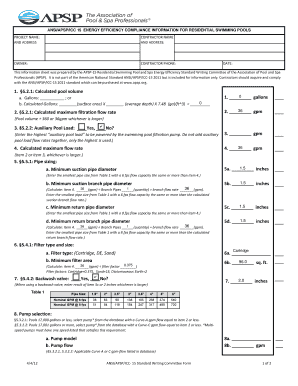
Apsp 15
The document provides compliance information regarding energy efficiency standards for residential swimming pools, speci ...

Withdrawal Request Form - CollegeAdvantage
The document is a withdrawal request form for the CollegeAdvantage Direct 529 Savings Plan, allowing account owners to r ...
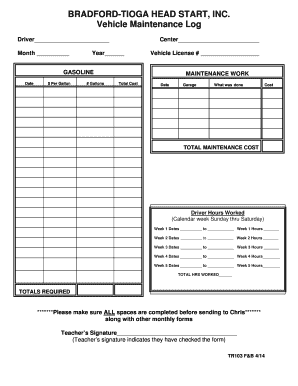
TR 103 Vehicle Maintenance logdoc Records Inspection Report
The document is a Vehicle Maintenance and Mileage Log for Bradford-Tioga Head Start, Inc. It includes sections for recor ...

Monash apply completing letter
The document is a proof of qualification for a student from Monash University, confirming the successful completion of s ...
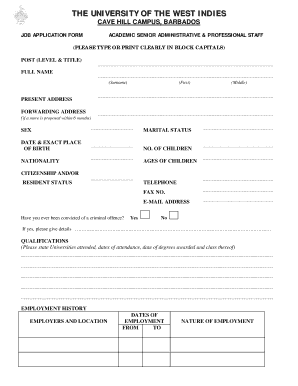
Uwi cavehill mail
The document is a job application form for academic senior administrative and professional staff at The University of th ...
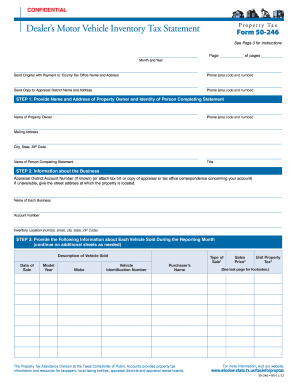
Texas property tax form 50 246 2012
The document is a confidential Dealer's Motor Vehicle Inventory Tax Statement (Form 50-246) required for property tax re ...

Jdf 940
The document is a legal notice from the Denver Probate Court regarding the appointment of a Personal Representative for ...