Sample chapter 13 plan 2026

Get Form
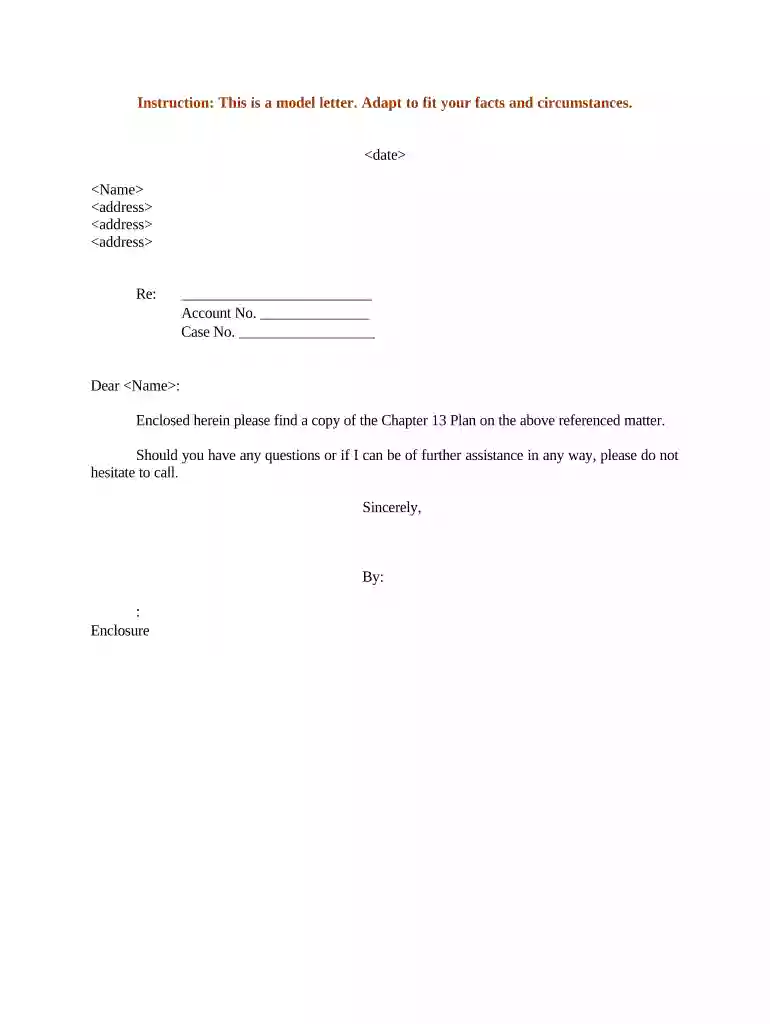
sample chapter 13 plan Preview on Page 1

Here's how it works

01. Edit your form online
Type text, add images, blackout confidential details, add comments, highlights and more.

02. Sign it in a few clicks
Draw your signature, type it, upload its image, or use your mobile device as a signature pad.

03. Share your form with others
Send it via email, link, or fax. You can also download it, export it or print it out.

How to use or fill out sample chapter 13 plan with our platform

Form edit decoration
9.5
Ease of Setup
DocHub User Ratings on G2
9.0
Ease of Use
DocHub User Ratings on G2
  1. Click ‘Get Form’ to open the sample chapter 13 plan in the editor.
  2. Begin by entering the date at the top of the document. This is crucial for record-keeping and ensures that all parties are aware of the timeline.
  3. Fill in your name and address in the designated fields. Make sure to provide accurate information as this will be used for correspondence.
  4. In the 'Re:' section, specify the subject matter related to your Chapter 13 Plan. This helps clarify the purpose of your letter.
  5. Enter your account number and case number in their respective fields. These identifiers are essential for tracking your case efficiently.
  6. Review all entered information for accuracy before finalizing. Use our platform’s editing tools to make any necessary adjustments easily.

Start using our platform today to streamline your Chapter 13 Plan completion for free!

be ready to get more

Complete this form in 5 minutes or less

Get form

Got questions?

We have answers to the most popular questions from our customers. If you can't find an answer to your question, please contact us.
Contact us
A 100% plan indicates that the petitioner does not qualify for debt reduction based on their income and ability to pay. This Chapter 13 plan structures 100% of that clients debt to be paid back through the repayment process.
To calculate your monthly payment amount in a Chapter 13 bankruptcy, calculate your income for the six months before your bankruptcy filing. Deduct allowable expenses to determine your disposable income. Pay your priority debtors and any secured debts that you want to keep after the bankruptcy.
Downsides include a long repayment commitment, higher costs than a Chapter 7 bankruptcy, a negative mark on your credit for years, loss of most credit card access, and limits on filing another bankruptcy soon after. Youll still have to pay non-dischargeable debts like child support, alimony, and most student loans.
Courts grant Chapter 13 with the expectation that youll repay outstanding debts. This means youll need some money coming in. While theres no minimum income requirement to file for Chapter 13 bankruptcy, your income will be taken into account.
In Chapter 13 bankruptcy, you must devote all of your disposable income to the repayment of your debts over the life of your Chapter 13 plan. Your disposable income first goes to your secured and priority creditors. Your unsecured creditors share any remaining amount.

Security and compliance

At DocHub, your data security is our priority. We follow HIPAA, SOC2, GDPR, and other standards, so you can work on your documents with confidence.
Learn more
ccpa2
pci-dss
gdpr-compliance
hipaa
soc-compliance

People also ask

Judges will typically give chapter 13 debtors especially first-time filers the benefit of the doubt. For example, a creditor may object to a plan based on feasibility if the debtors scheduled income and expense figures are insufficient to make the proposed chapter 13 plan payment.

Related links