




Here's how it works

01. Edit your 690 cost bankruptcy attorney online
Type text, add images, blackout confidential details, add comments, highlights and more.

02. Sign it in a few clicks
Draw your signature, type it, upload its image, or use your mobile device as a signature pad.

03. Share your form with others
Send it via email, link, or fax. You can also download it, export it or print it out.
How to use or fill out attorney bankruptcy with our platform

- Click ‘Get Form’ to open the attorney bankruptcy document in the editor.
- Begin by entering the date at the top of the form. This is crucial for record-keeping and should reflect the current date.
- Fill in your name, company, and address details in the designated fields. Ensure accuracy as this information identifies you as counsel.
- In the 'Re:' section, input the name of the individual involved in the bankruptcy case along with their Bankruptcy Number for easy reference.
- Next, provide your name again as 'Attorney for NAME' followed by your complete address and phone number. This ensures that all parties can contact you easily.
- Attach any necessary documents, such as the Appearance of Counsel, by using our platform’s upload feature. Make sure to mention these attachments in your letter.
- Finally, review all entries for accuracy before saving or exporting your completed document. Use our platform's tools to sign and distribute it as needed.
Start using our platform today to streamline your attorney bankruptcy forms for free!
Fill out attorney bankruptcy online
It's free
Security and compliance
At DocHub, your data security is our priority. We follow HIPAA, SOC2, GDPR, and other standards, so you can work on your documents with confidence.
Learn more


Related forms

Florida special move form
The document outlines the procedure for requesting a special move permit for bus and minibus vehicles at Orlando Interna ...

I129
The document is a Form I-129, Petition for a Nonimmigrant Worker, used by the University of North Carolina at Chapel Hil ...
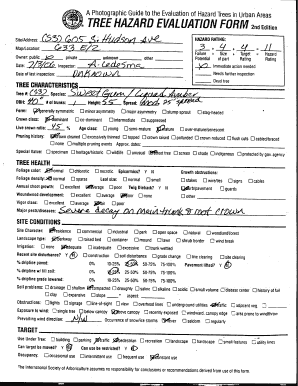
Hazard tree assessment
The document is a comprehensive Tree Hazard Evaluation Form, 2nd Edition, designed for assessing the condition and poten ...
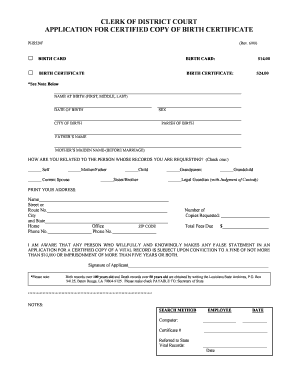
Adoption forms oklahoma
The document is an application form for obtaining a certified copy of a birth certificate or birth card from the Clerk o ...

Disaster outline form template
The document is a disaster summary outline used for reporting the impact of a disaster event, such as a flood, hurricane ...
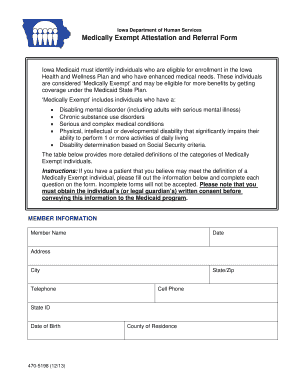
Medically exempt iowa medicaid
The document outlines the Medically Exempt Attestation and Referral Form for the Iowa Department of Human Services, aime ...