




Here's how it works

01. Edit your what is a collateral assignment online
Type text, add images, blackout confidential details, add comments, highlights and more.

02. Sign it in a few clicks
Draw your signature, type it, upload its image, or use your mobile device as a signature pad.

03. Share your form with others
Send dochub com fillable form via email, link, or fax. You can also download it, export it or print it out.
How to use or fill out collateral assignment with our platform

- Click ‘Get Form’ to open the collateral assignment in the editor.
- Begin by filling in the date at the top of the form, ensuring it reflects the correct execution date.
- In the first blank, enter the name of the company making the assignment. Specify its legal structure (e.g., limited liability company).
- Next, identify the lender by entering their name and legal structure in the designated fields.
- Complete the section regarding the Tower Site Lease Agreement by providing its date and any amendments if applicable.
- Fill in Exhibit A with a detailed description of the property being leased, ensuring all relevant details are included.
- Review all sections for accuracy before signing. Ensure that both parties acknowledge and agree to all terms outlined in this assignment.
Start using our platform today to streamline your document editing and signing process for free!
Fill out collateral assignment online
It's free
It's free
Security and compliance
At DocHub, your data security is our priority. We follow HIPAA, SOC2, GDPR, and other standards, so you can work on your documents with confidence.
Learn more


Related forms

To Download the Credit Card Authorization Form - US Spiritleaders
The document is a Credit Card Authorization Form for U.S. Spiritleaders, allowing individuals to provide their credit ca ...
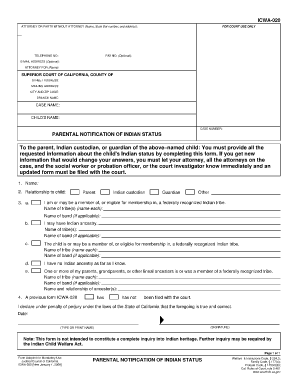
Icwa 020
The document ICWA-020 is a form used in the Superior Court of California for parents, Indian custodians, or guardians to ...
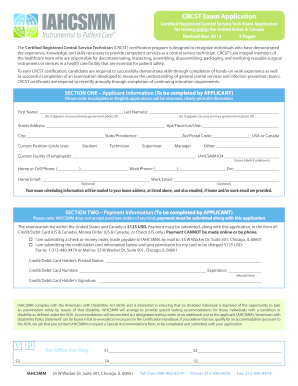
Crcst mobile application 2013 form
The document is an application for the Certified Registered Central Service Technician (CRCST) exam, aimed at individual ...
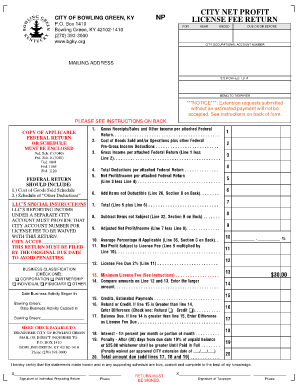
Bowling green net profit license fee return
The document is a Net Profit License Fee Return form for the City of Bowling Green, KY, which outlines the requirements ...
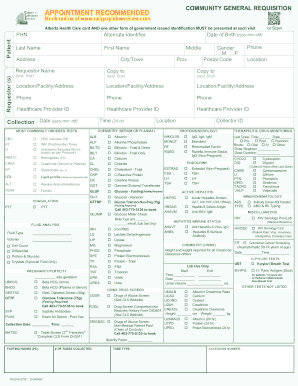
Calgary lab services
The document is a requisition form for community laboratory services in Calgary, detailing the necessary patient informa ...
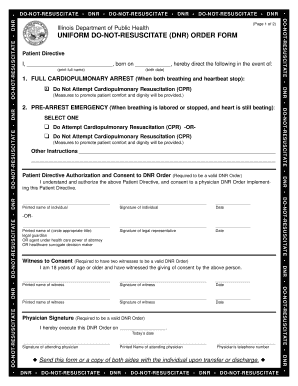
Download Uniform Do Not Resuscitate (DNR) Order form
The document is an Illinois Department of Public Health Uniform Do-Not-Resuscitate (DNR) Order Form, which allows patien ...

396 Vehicle-Brake Inspector Qualifications.doc - dot ny
The document outlines the qualifications required for individuals to perform annual vehicle inspections and brake inspec ...