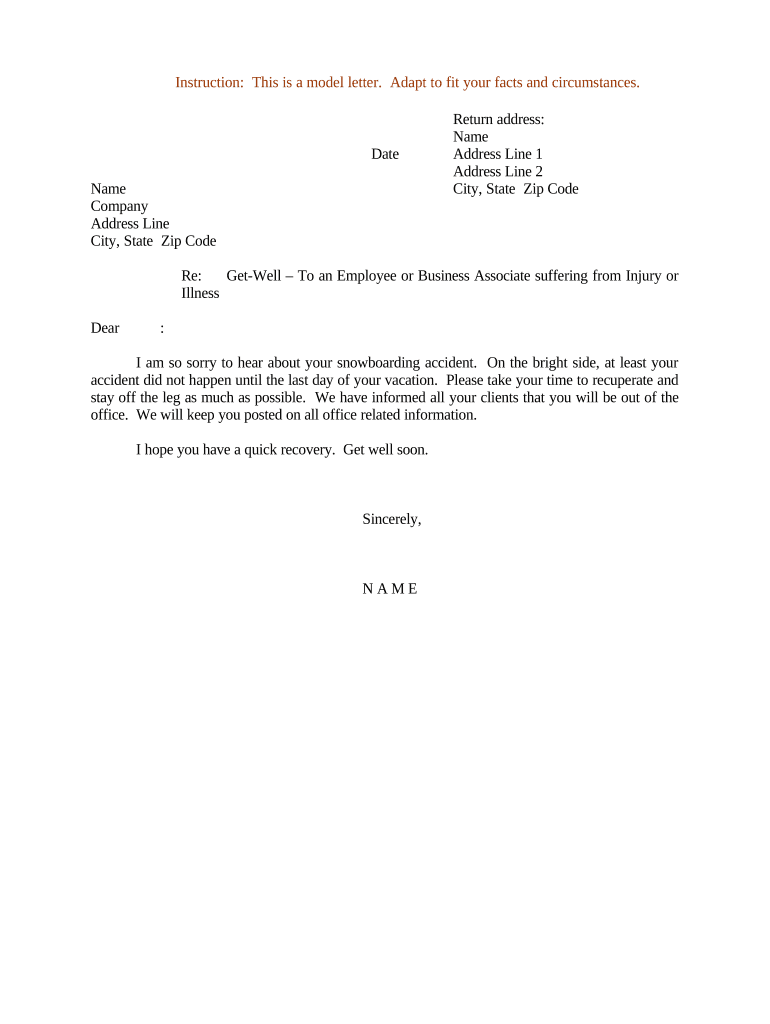
Sample letter to employeeLetter to employee from employerDisciplinary action letter to employeeTermination letter to employee sampleWarning letter to employee for unprofessional behavior1st warning letter to employeeSimple letter to employeeExplanation letter to employee for negligence of duty
Security and compliance
At DocHub, your data security is our priority. We follow HIPAA, SOC2, GDPR, and other standards, so you can work on your documents with confidence.
Dear [insert Employees Name]:. I regret to inform you that the ABC Company will be permanently closing its plant located at 123 Alphabet Street,. Ourtown,Read more
[enter date here] Dear [enter members name here], We, at (^Company^) , believe in acting quickly in our members best interest. We recently became aware of
Cookie consent notice
This site uses cookies to enhance site navigation and personalize your experience.
By using this site you agree to our use of cookies as described in our Privacy Notice.
You can modify your selections by visiting our Cookie and Advertising Notice.