




01. Edit your form online
Type text, add images, blackout confidential details, add comments, highlights and more.

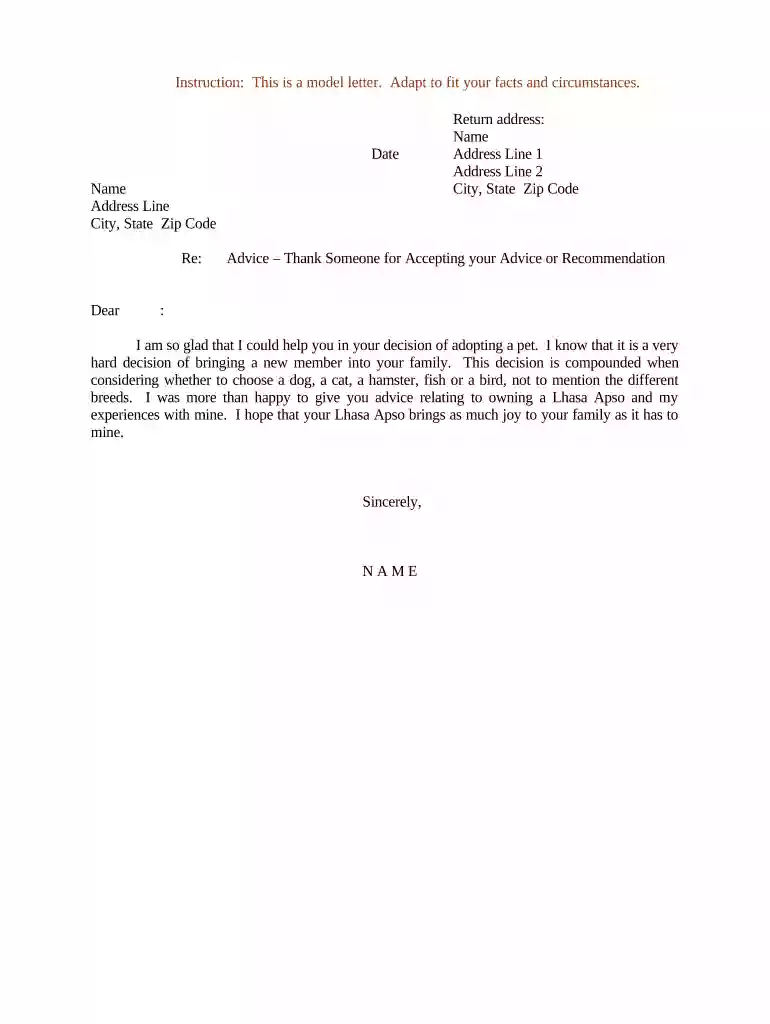
Type text, add images, blackout confidential details, add comments, highlights and more.

Draw your signature, type it, upload its image, or use your mobile device as a signature pad.

Send it via email, link, or fax. You can also download it, export it or print it out.

Start using our platform today to create personalized letters for free!
At DocHub, your data security is our priority. We follow HIPAA, SOC2, GDPR, and other standards, so you can work on your documents with confidence.
Guidelines for writing appreciation letters: State what you appreciate and briefly explain why. Do not add other news or information not related to theRead more
Thank you for the opportunity I had to visit with you about (company name) on (date). I felt that I learned (some specific things that stood out to you) about.Read more
Thank you, Letter. Eng. Alex Yu. BUCT. Subject: Deep Gratitude for Your Contribution to the First International. Science Culture Construction Day. On behalf of


