




01. Edit your form online
Type text, add images, blackout confidential details, add comments, highlights and more.

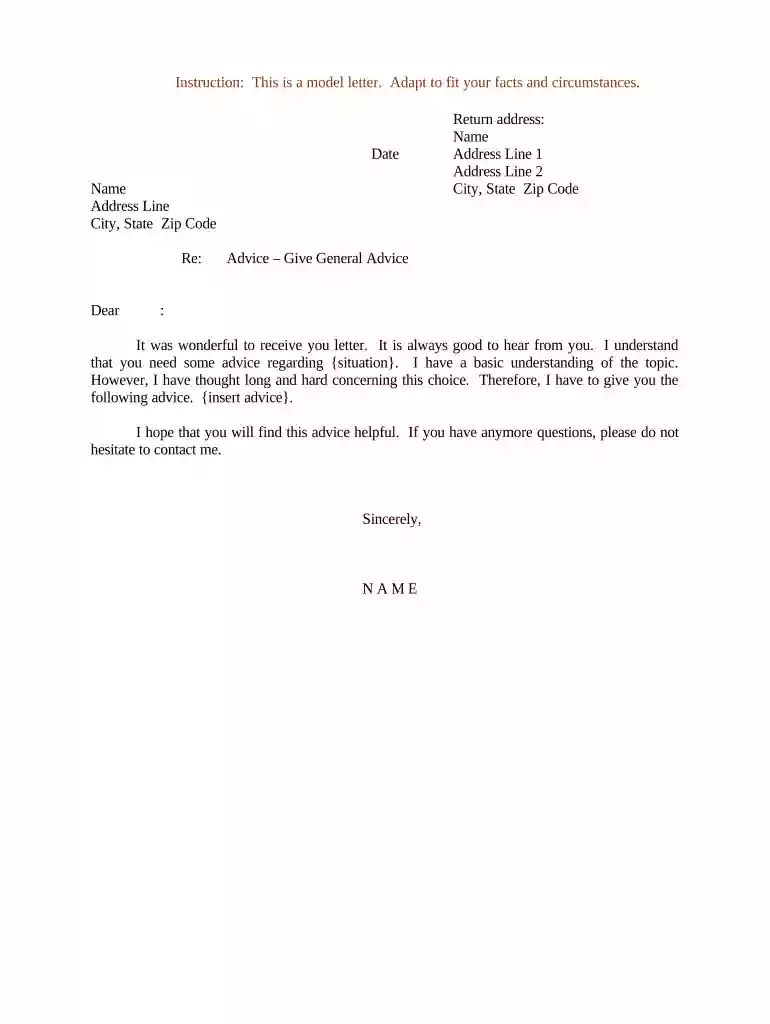
Type text, add images, blackout confidential details, add comments, highlights and more.

Draw your signature, type it, upload its image, or use your mobile device as a signature pad.

Send it via email, link, or fax. You can also download it, export it or print it out.

Experience seamless document editing today—get started for free on our platform!
At DocHub, your data security is our priority. We follow HIPAA, SOC2, GDPR, and other standards, so you can work on your documents with confidence.

[Name of company] is pleased to offer you the position of Marketing Director for our organization. We are excited about the potential that you bring to ourRead more
The letters include templates for non-represented, represented, contract and limited appointment types. As offer letters can create implied or expressedRead more


