




01. Edit your behavior documentation doc online
Type text, add images, blackout confidential details, add comments, highlights and more.

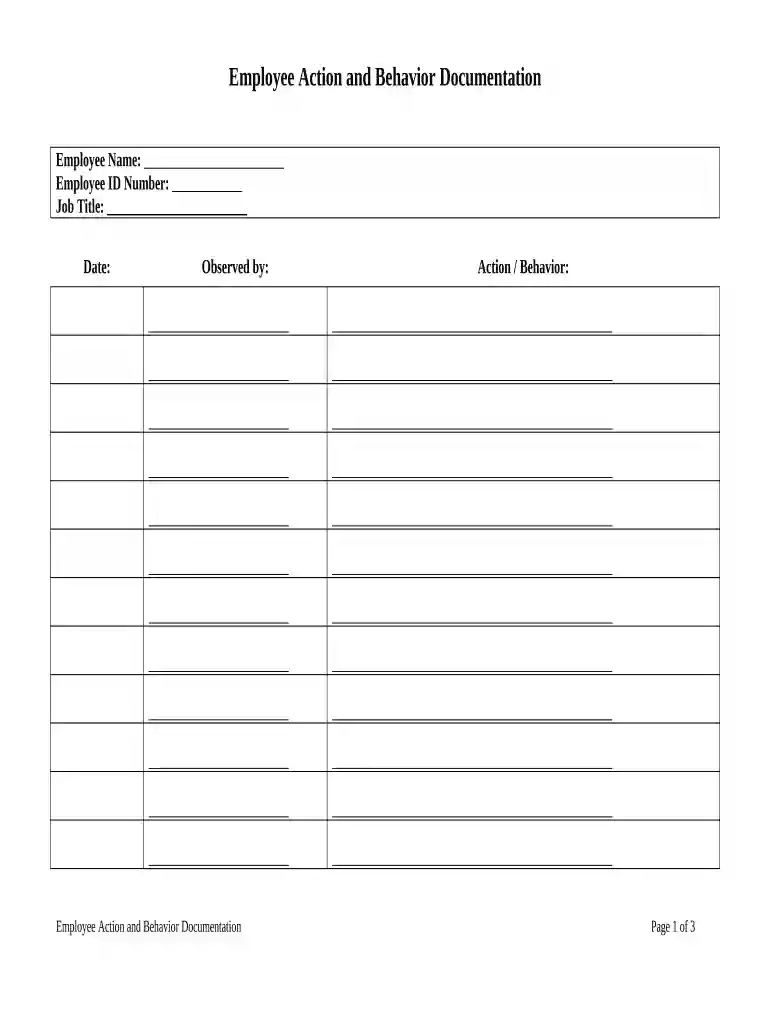
Type text, add images, blackout confidential details, add comments, highlights and more.

Draw your signature, type it, upload its image, or use your mobile device as a signature pad.

Send behavior documentation example via email, link, or fax. You can also download it, export it or print it out.

Start using our platform today to streamline your behavior documentation process for free!
At DocHub, your data security is our priority. We follow HIPAA, SOC2, GDPR, and other standards, so you can work on your documents with confidence.





EMPLOYEE ACTION / BEHAVIOR DOCUMENTATION. Employee Name: Employee ID Number: Job Title: Date: Observed by: Action / Behavior:Read more
Documentation of Behavior Concerns. Site Name: Student: Date of Birth: Teacher: DATE. DAY of the WEEK. TIME ACTIVITY. What was going on in the classroomRead more
May 25, 2026 Place this template in the Behavior section of all Minecraft Dungeons cosmetic petpages.


