




01. Edit your explanation letter online
Type text, add images, blackout confidential details, add comments, highlights and more.

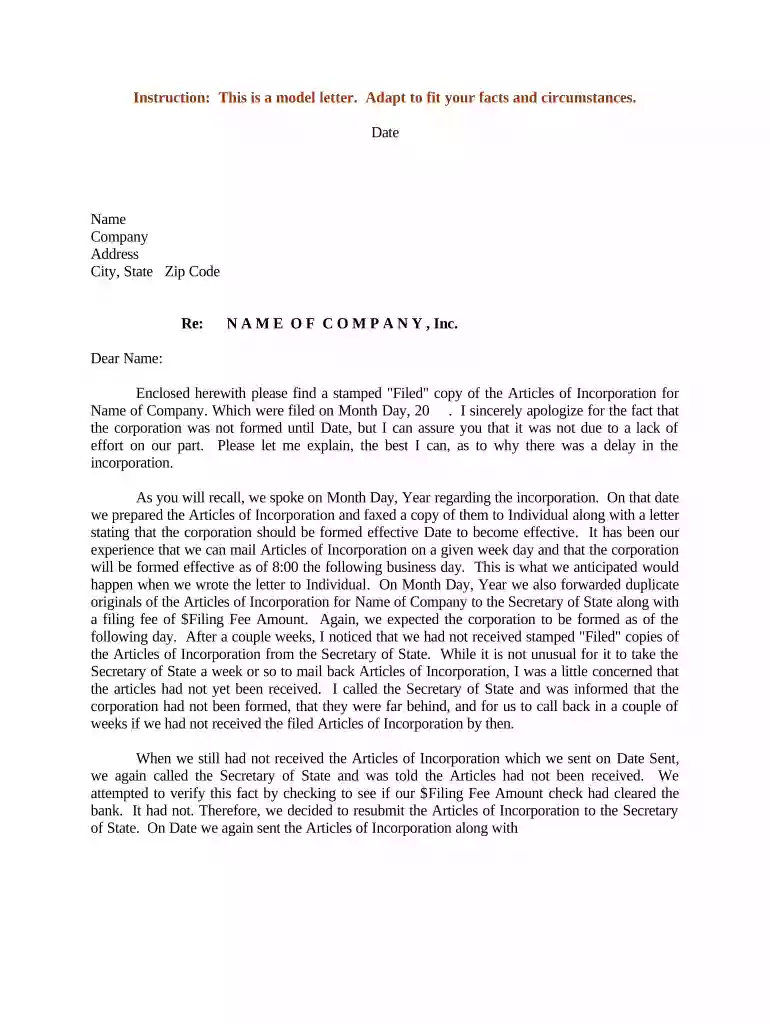
Type text, add images, blackout confidential details, add comments, highlights and more.

Draw your signature, type it, upload its image, or use your mobile device as a signature pad.

Send how to make explanation letter via email, link, or fax. You can also download it, export it or print it out.

Start editing your letter explanation today for free on our platform!
At DocHub, your data security is our priority. We follow HIPAA, SOC2, GDPR, and other standards, so you can work on your documents with confidence.





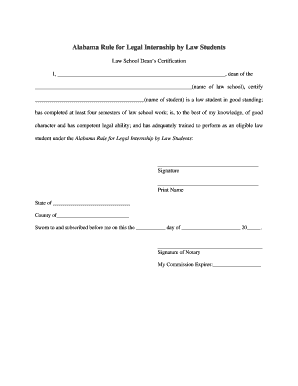
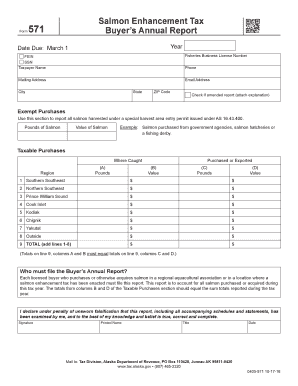
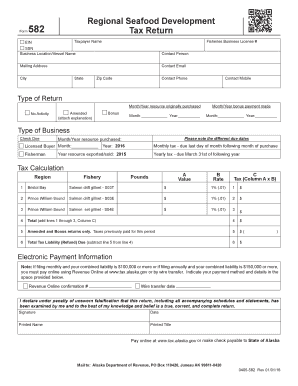
Letter of Explanation (LOE) is recommended to submit as a part of the Study Permit application for international students in Canada.Read more
Nov 13, 2025 Who can use this form? Use this form if you got a letter from the Marketplace asking for documents to confirm a life event, but you dont.Read more


