




01. Edit your temporary employment contract template online
Type text, add images, blackout confidential details, add comments, highlights and more.

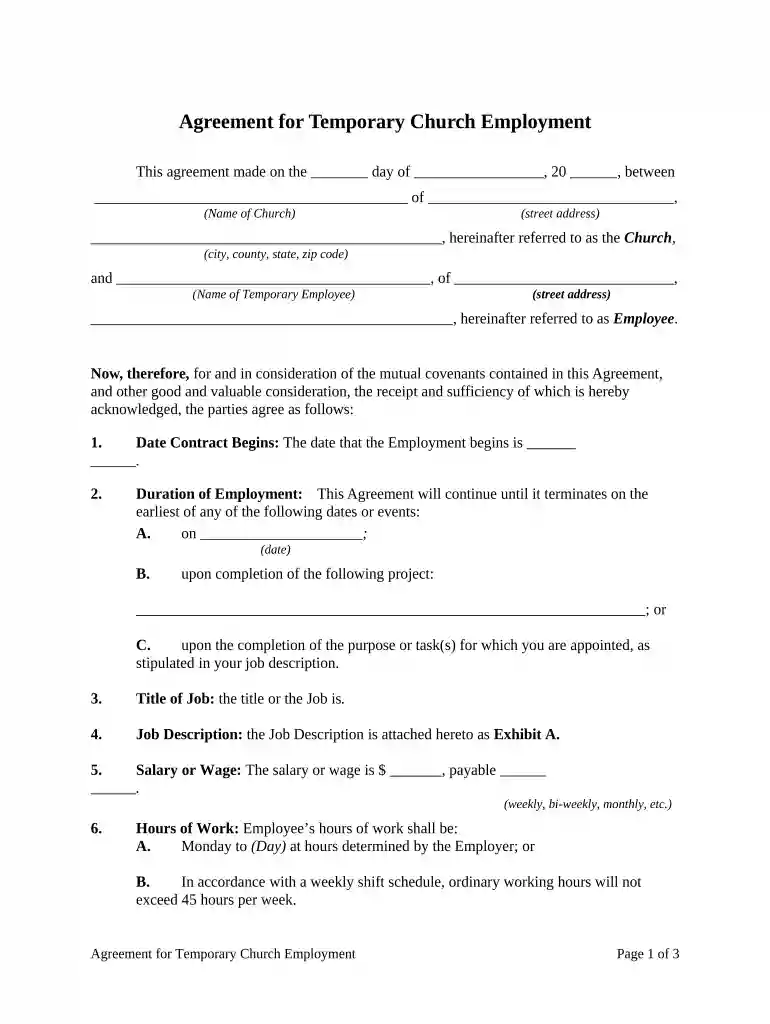
Type text, add images, blackout confidential details, add comments, highlights and more.

Draw your signature, type it, upload its image, or use your mobile device as a signature pad.

Send temporary employment contract via email, link, or fax. You can also download it, export it or print it out.

Start editing your temporary employment contract online for free today!
At DocHub, your data security is our priority. We follow HIPAA, SOC2, GDPR, and other standards, so you can work on your documents with confidence.

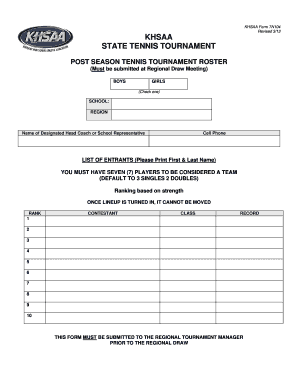


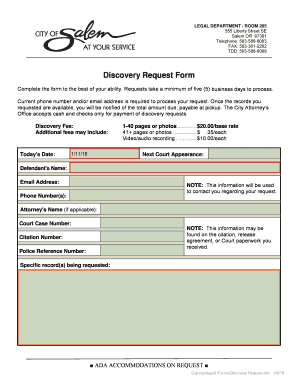

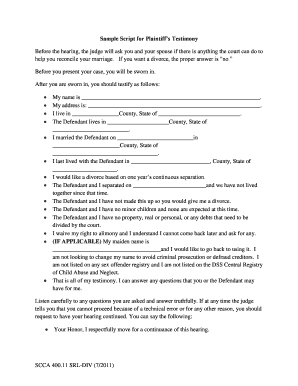
Apr 3, 2026 These are Master Service Agreement (MSA) contracts strictly for temporary employment services. Permissive Users. These contracts may be used byRead more
Departments may use the UCOP-approved template to create employment contracts with non-represented employees. The contract must have an end date to be valid.Read more


