




01. Edit your form online
Type text, add images, blackout confidential details, add comments, highlights and more.

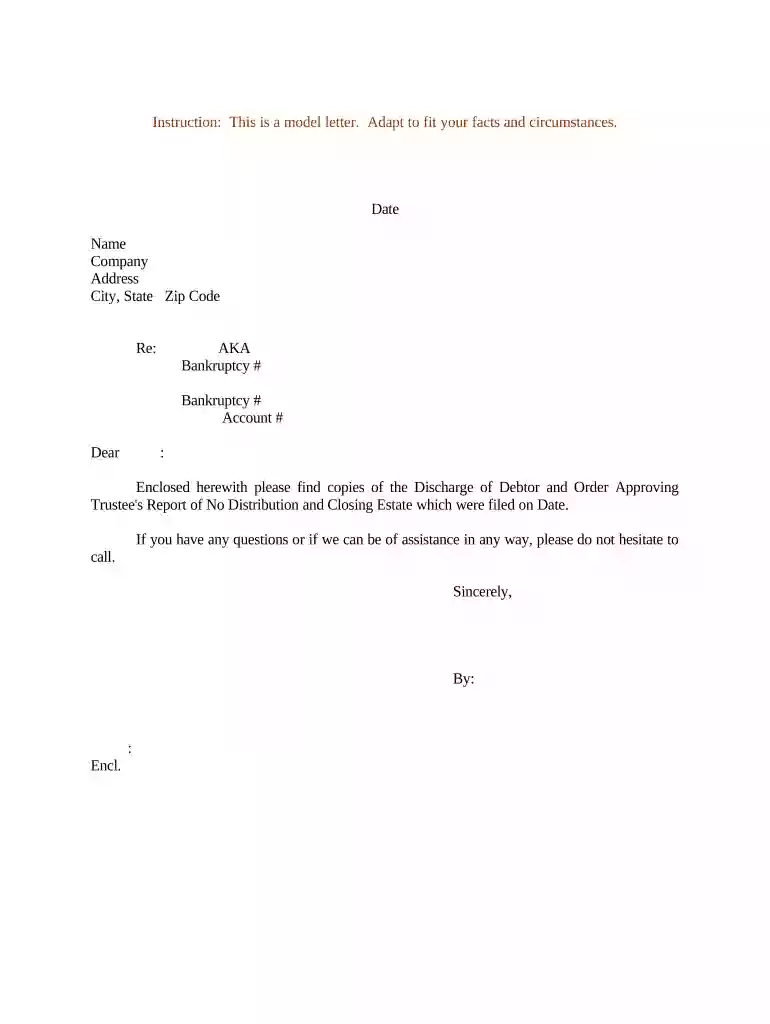
Type text, add images, blackout confidential details, add comments, highlights and more.

Draw your signature, type it, upload its image, or use your mobile device as a signature pad.

Send it via email, link, or fax. You can also download it, export it or print it out.

Start editing your no distribution estate document today for free on our platform!
At DocHub, your data security is our priority. We follow HIPAA, SOC2, GDPR, and other standards, so you can work on your documents with confidence.
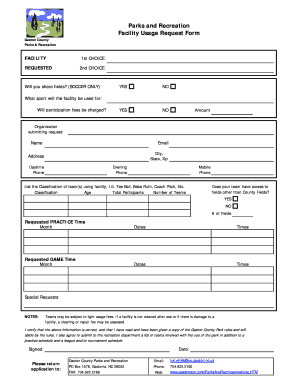



You must transfer title of each item of property to the person who is supposed to receive the property under the Will or through intestacy.Read more
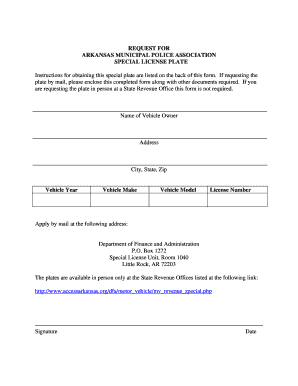
If you have no will, state law will determine who will inherit your property. In most cases it will be divided in some manner between your spouse and children,Read more
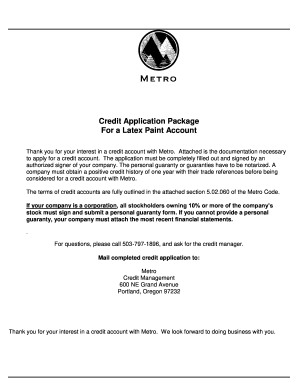
No distribution may be made if, after giving it effect: (a) The corporation would not be able to pay its debts as they become due in the usual course ofRead more


