




01. Edit your contract cancellation letter online
Type text, add images, blackout confidential details, add comments, highlights and more.

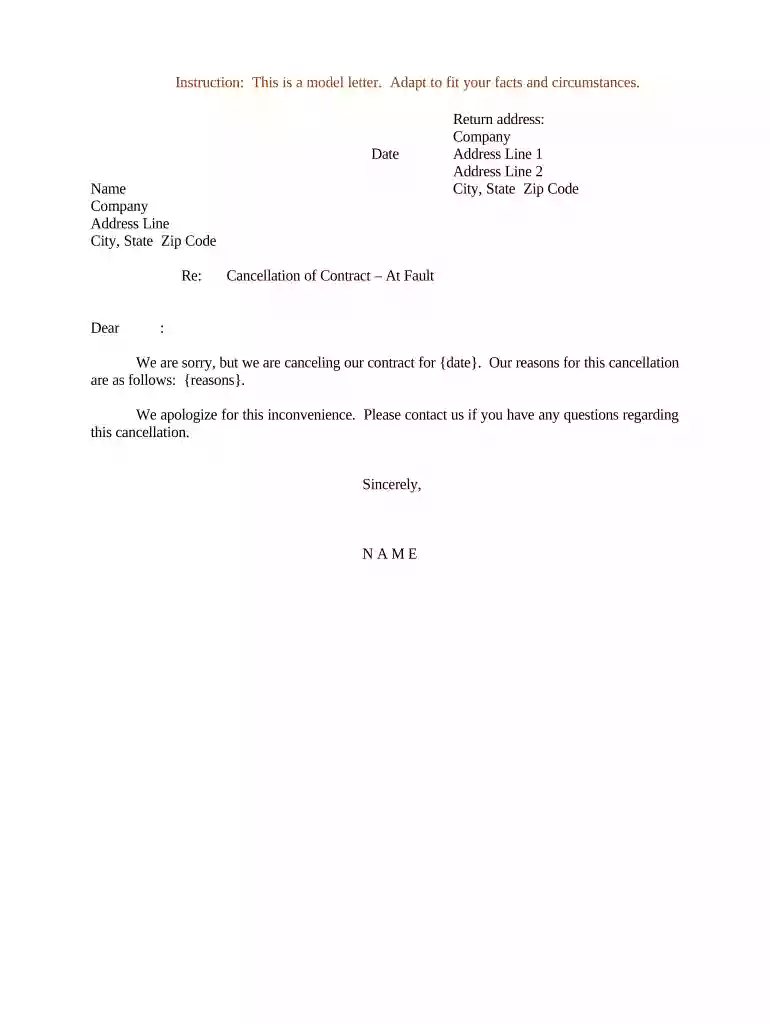
Type text, add images, blackout confidential details, add comments, highlights and more.

Draw your signature, type it, upload its image, or use your mobile device as a signature pad.

Send contract cancellation letter pdf via email, link, or fax. You can also download it, export it or print it out.

Start using our platform today to easily edit and finalize your letter of cancellation for free!
At DocHub, your data security is our priority. We follow HIPAA, SOC2, GDPR, and other standards, so you can work on your documents with confidence.




This letter is our formal notice that said Contract will terminate on from the date of this notice. Please return a signed copy for our records to: SupplierRead more
Can I cancel the agreement? A buyer representation agreement is intended to be a legal and binding contract. You can ask the broker to release you from theRead more


