




Here's how it works

01. Edit your contractor agreement forms online
Type text, add images, blackout confidential details, add comments, highlights and more.

02. Sign it in a few clicks
Draw your signature, type it, upload its image, or use your mobile device as a signature pad.

03. Share your form with others
Send contractor agreement contract via email, link, or fax. You can also download it, export it or print it out.
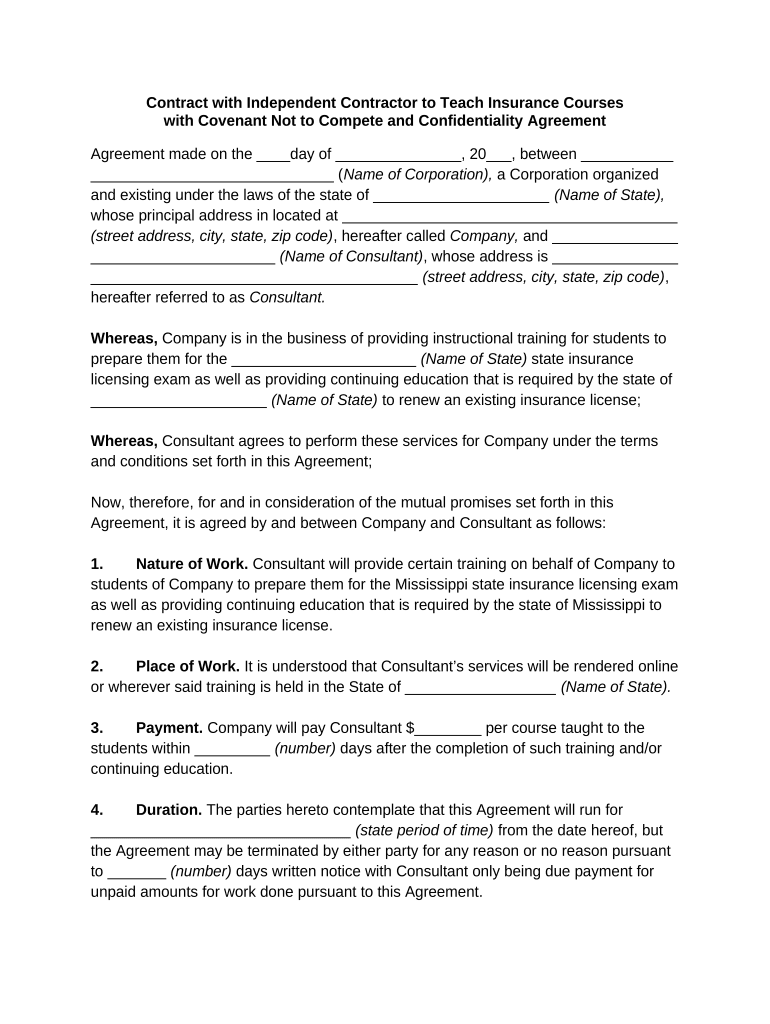
How to use or fill out contract contractor agreement with our platform

- Click ‘Get Form’ to open the contract contractor agreement in the editor.
- Begin by filling in the date at the top of the document, followed by the name of your corporation and its address. Ensure accuracy as this establishes the parties involved.
- In the 'Whereas' section, specify the state for which you are providing training services. This is crucial for compliance with local regulations.
- Complete the 'Nature of Work' section by detailing the specific training services you will provide, ensuring clarity on your responsibilities.
- Fill in the 'Payment' section with your agreed compensation per course and payment timeline to ensure transparency.
- Specify the duration of the agreement and any notice period required for termination in their respective sections.
- Review and complete sections regarding indemnification, confidentiality, and non-compete clauses to protect both parties’ interests.
- Finally, ensure all signatures are collected at the end of the document to validate the agreement legally.
Start using our platform today to streamline your contract completion process for free!
Fill out contract contractor agreement online
It's free
It's free
Security and compliance
At DocHub, your data security is our priority. We follow HIPAA, SOC2, GDPR, and other standards, so you can work on your documents with confidence.
Learn more


Related forms
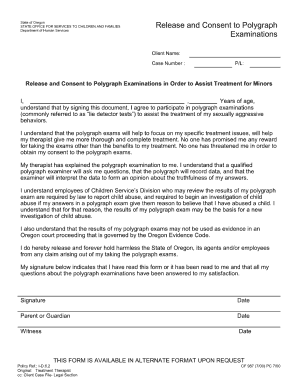
Release and Consent to Polygraph Examinations CF 987 7/00 - dhsforms hr state or

Dd 1250 form
The document is a Tunnel Reconnaissance Report form used for assessing and documenting the characteristics of tunnels, i ...

Plant permit