01. Edit your customer service audit checklist online
Type text, add images, blackout confidential details, add comments, highlights and more.
02. Sign it in a few clicks
Draw your signature, type it, upload its image, or use your mobile device as a signature pad.
03. Share your form with others
Send audit checklist for customer service via email, link, or fax. You can also download it, export it or print it out.
How to use or fill out checklist customer service with our platform
Ease of Setup
DocHub User Ratings on G2
Ease of Use
DocHub User Ratings on G2
Click ‘Get Form’ to open the checklist customer service in the editor.
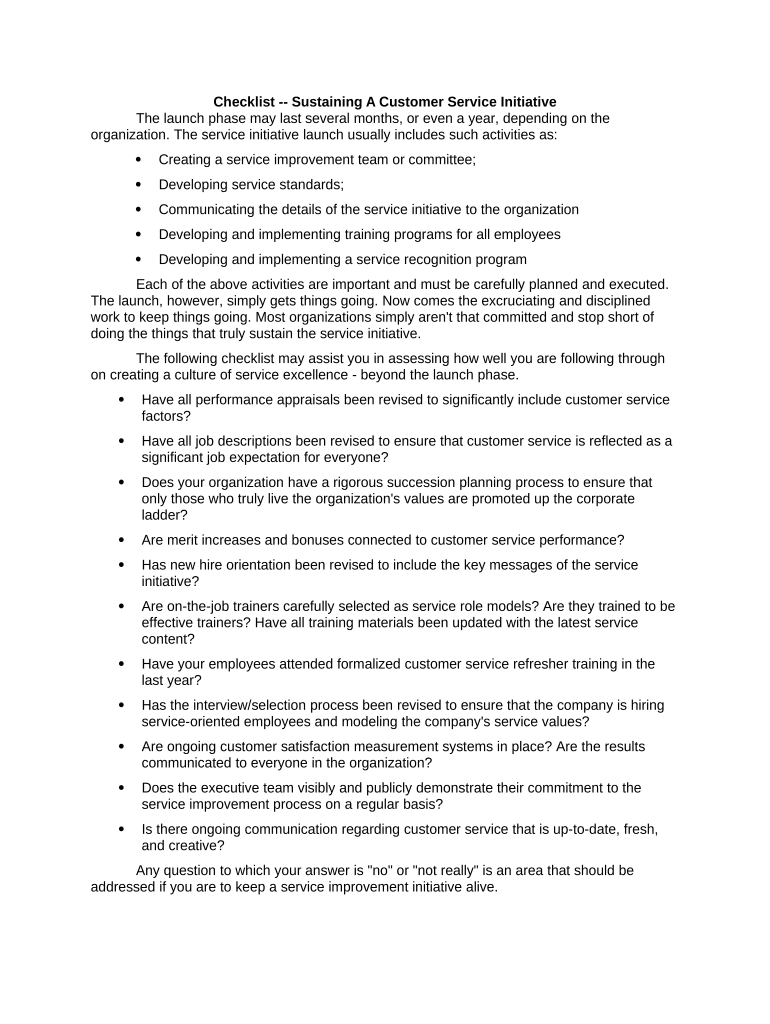
Begin by reviewing the launch phase activities listed. Ensure you understand each component, such as creating a service improvement team and developing service standards.
Move on to the checklist section. For each item, assess your organization's current practices. Use checkboxes to mark 'yes' or 'no' for questions regarding performance appraisals and job descriptions.
For any 'no' responses, add comments in the provided fields to outline specific areas needing attention or improvement.
Once completed, utilize our platform's features to save your progress, share with team members for feedback, or export the document for further distribution.
Start enhancing your customer service initiative today by utilizing our platform for free!
Fill out checklist customer service online It's free
Checklist customer service sampleChecklist customer service templateFree checklist customer serviceChecklist customer service examplesChecklist customer service pdfChecklist customer service email
Security and compliance
At DocHub, your data security is our priority. We follow HIPAA, SOC2, GDPR, and other standards, so you can work on your documents with confidence.
The following criteria will be used when reviewing agency policies. All agency customer service policies must: Define what customer service means at the agency.Read more
Use this checklist to review current standard operating procedures (SOPs) and critical customer information in the customer service database. 2. Identify
Cookie consent notice
This site uses cookies to enhance site navigation and personalize your experience.
By using this site you agree to our use of cookies as described in our Privacy Notice.
You can modify your selections by visiting our Cookie and Advertising Notice.