




01. Edit your form online
Type text, add images, blackout confidential details, add comments, highlights and more.

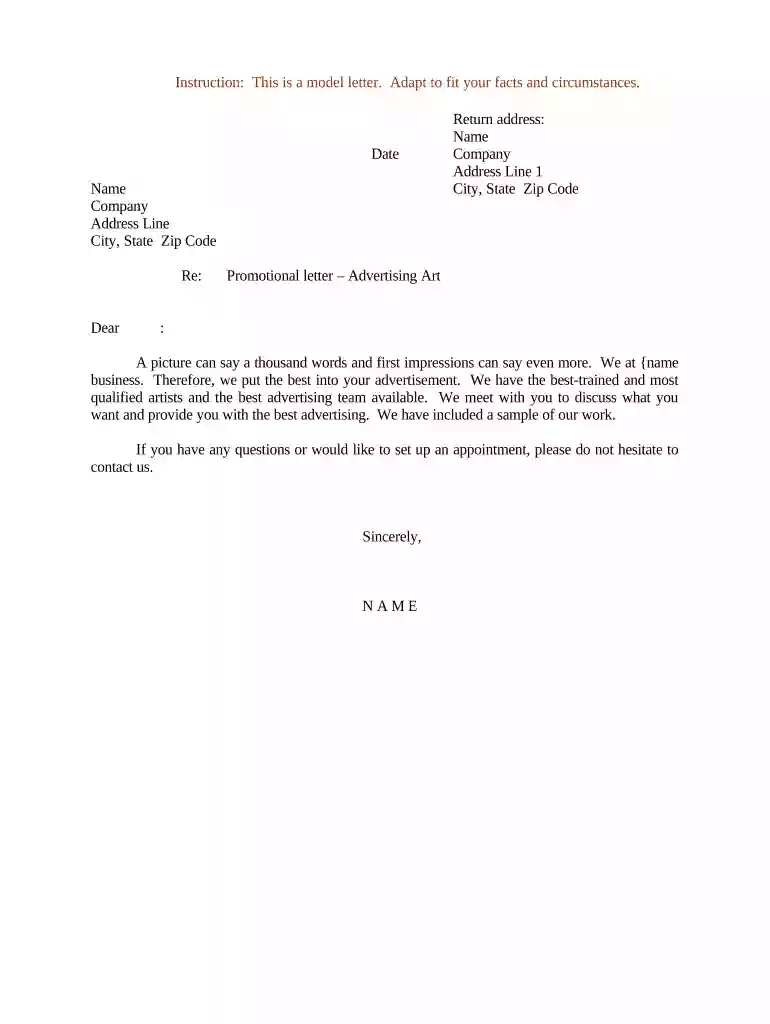
Type text, add images, blackout confidential details, add comments, highlights and more.

Draw your signature, type it, upload its image, or use your mobile device as a signature pad.

Send it via email, link, or fax. You can also download it, export it or print it out.

Start using our platform today to create and customize your promotional letters effortlessly!
At DocHub, your data security is our priority. We follow HIPAA, SOC2, GDPR, and other standards, so you can work on your documents with confidence.
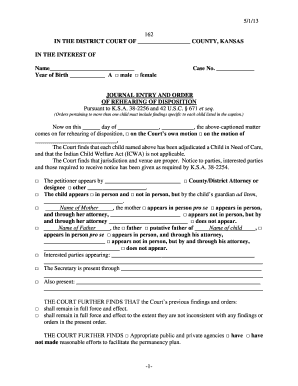

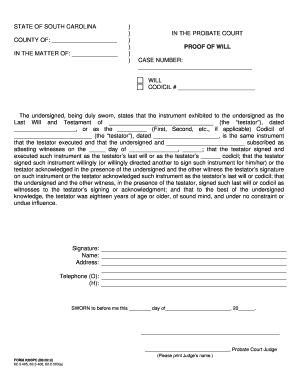
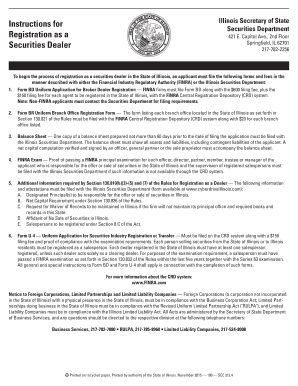


1. Introduce yourself, the reason for the letter, and your qualifications to write the letter. This letter is an assessment of Dr. John Smiths work to date inRead more
Mar 13, 2026 PK Promotion was a music entertainment company from Laos. Visuals: Wiping out from the warning screen, there is a golden 3D PK at the frontRead more


