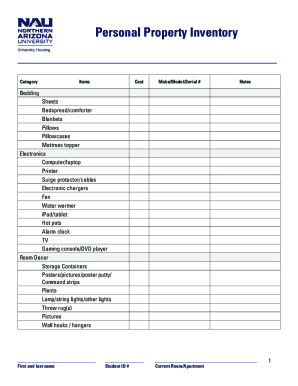
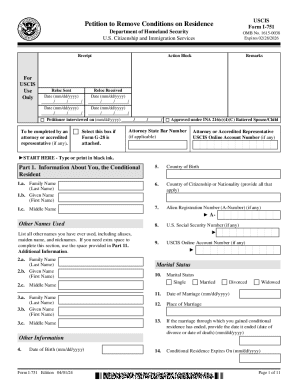
Type text, add images, blackout confidential details, add comments, highlights and more.
02. Sign it in a few clicks
Draw your signature, type it, upload its image, or use your mobile device as a signature pad.
03. Share your form with others
Send it via email, link, or fax. You can also download it, export it or print it out.
How to use or fill out business selection with our platform
Ease of Setup
DocHub User Ratings on G2
Ease of Use
DocHub User Ratings on G2
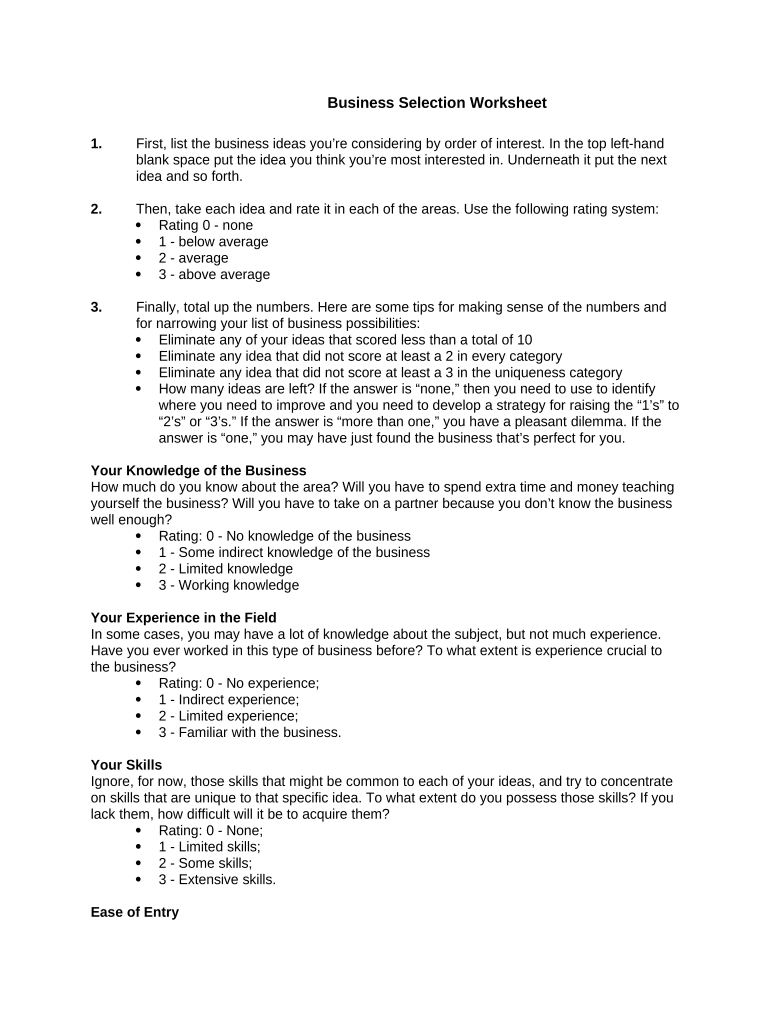
Click ‘Get Form’ to open the Business Selection Worksheet in the editor.
In the top left-hand blank space, list your most preferred business idea. Continue listing additional ideas in order of interest below it.
For each idea, evaluate and rate it across various categories: Knowledge, Experience, Skills, Ease of Entry, and Uniqueness using the provided rating system (0-3).
After rating each idea, total the scores for a comprehensive view of your options. Eliminate any ideas that scored less than 10 or did not meet specific criteria in each category.
Review your remaining ideas. If you have more than one option left, consider which aligns best with your goals and resources.
Start using our platform today to streamline your business selection process for free!
Business selection examples12 unique business ideasBusiness selection questionsHow to decide what business to start QuizTop 10 most successful businesses to startI want to start a business but have no ideas5 factors to consider when starting a business5 criteria in selecting a business idea
Security and compliance
At DocHub, your data security is our priority. We follow HIPAA, SOC2, GDPR, and other standards, so you can work on your documents with confidence.
Choosing the Right Business: Starting Your Business
The goals of this session are to share a step-by-step approach to selecting the best business for you, identify common mistakes that new entrepreneurs oftenRead more
Feb 26, 2015 Business Rules can be used to automate standard operations and customize workflow. Business Rules actively monitor the system to identify all requests thatRead more
Mar 7, 2025 Unlike sole proprietors, partnerships, and LLCs, corporations pay income tax on their profits. In some cases, corporate profits are taxed twiceRead more
Cookie consent notice
This site uses cookies to enhance site navigation and personalize your experience.
By using this site you agree to our use of cookies as described in our Privacy Notice.
You can modify your selections by visiting our Cookie and Advertising Notice.