Type text, add images, blackout confidential details, add comments, highlights and more.
02. Sign it in a few clicks
Draw your signature, type it, upload its image, or use your mobile device as a signature pad.
03. Share your form with others
Send it via email, link, or fax. You can also download it, export it or print it out.
How to Use or Fill Out Screening Tenants with Our Platform
Ease of Setup
DocHub User Ratings on G2
Ease of Use
DocHub User Ratings on G2
Click ‘Get Form’ to open the screening tenants document in the editor.
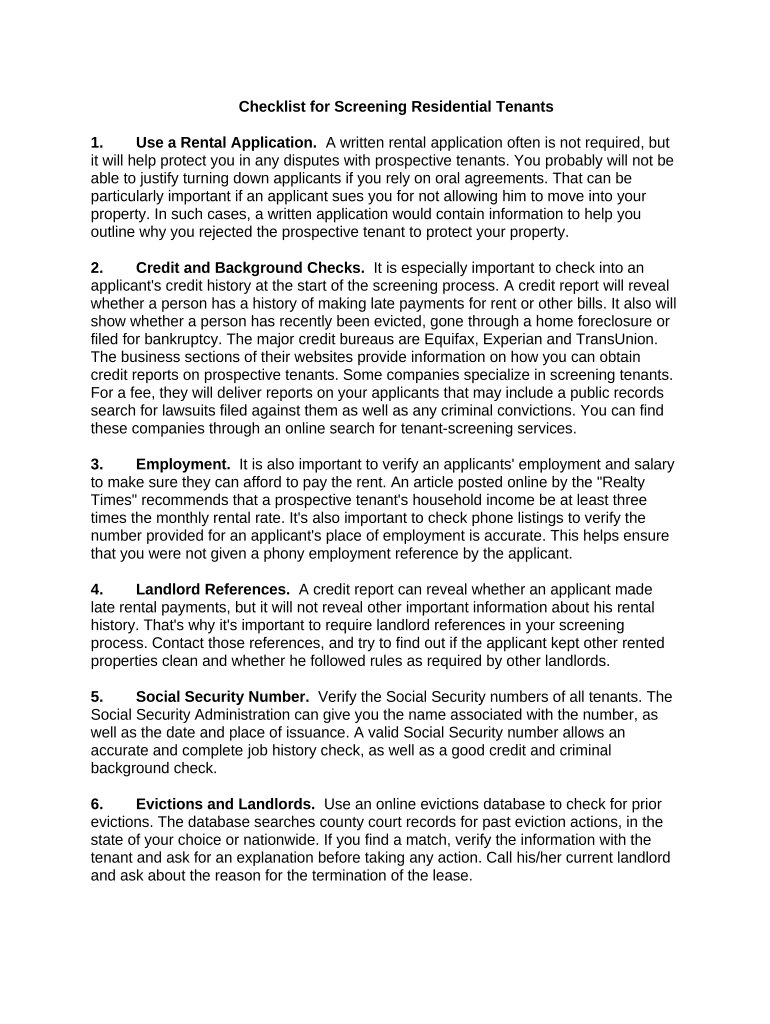
Begin by filling out the rental application section. Ensure all fields are completed accurately, as this will protect you in case of disputes.
Next, provide details for credit and background checks. Input the necessary information to obtain reports from major credit bureaus like Equifax, Experian, and TransUnion.
Verify employment by entering the applicant's job details. Confirm that their income meets the recommended threshold of three times the monthly rent.
Collect landlord references. Include contact information for previous landlords to gather insights on the applicant's rental history.
Input Social Security numbers for verification purposes. This ensures accurate background checks can be conducted.
Utilize online databases to check for evictions and civil judgments against applicants. Document any findings directly in the form.
Finally, review all entered information for accuracy before submitting your screening request through our platform.
Start using our platform today to streamline your tenant screening process for free!
Jul 1, 2021 Landlords use tenant screening reports to help make decisions on possible tenants. These reports may contain information from many sources including yourRead more
RentRedi vs TurboTenant (2026): Risk reliability - RFP.wiki
May 22, 2026 TurboTenant is a rental property management platform focused on independent landlords, combining listing distribution, tenant screening, leaseRead more
Cookie consent notice
This site uses cookies to enhance site navigation and personalize your experience.
By using this site you agree to our use of cookies as described in our Privacy Notice.
You can modify your selections by visiting our Cookie and Advertising Notice.