01. Edit your freight broker agent agreement template online
Type text, add images, blackout confidential details, add comments, highlights and more.
02. Sign it in a few clicks
Draw your signature, type it, upload its image, or use your mobile device as a signature pad.
03. Share your form with others
Send freight broker agreement forms via email, link, or fax. You can also download it, export it or print it out.
How to use or fill out freight broker paperwork with our platform
Ease of Setup
DocHub User Ratings on G2
Ease of Use
DocHub User Ratings on G2
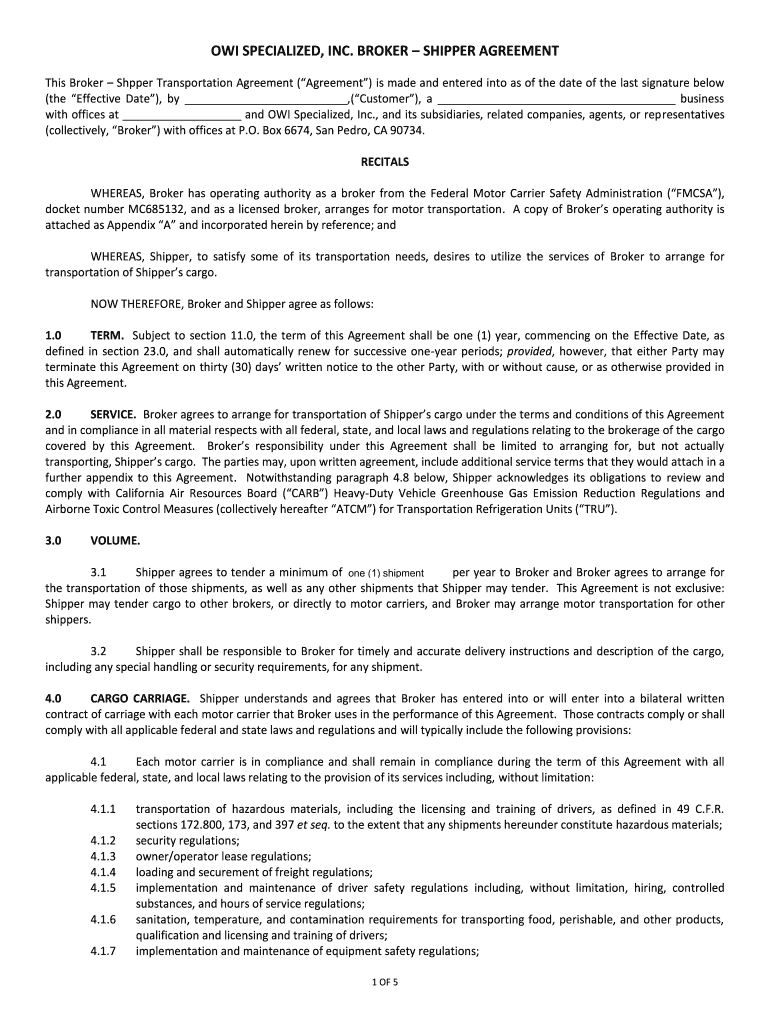
Click ‘Get Form’ to open the Broker – Shipper Agreement in the editor.
Begin by filling in the Customer's name and business details at the top of the form. Ensure accuracy as this information is crucial for identification.
In section 1.0, specify the Effective Date of the agreement. This date marks when the terms become active.
Proceed to section 2.0 and review the service terms. Confirm that you understand Broker’s role in arranging transportation without being a carrier.
In section 3.0, indicate your commitment by stating the minimum number of shipments you will tender per year.
Complete sections regarding cargo carriage and insurance requirements (sections 4.0 and 8.0). Make sure to provide accurate descriptions of any hazardous materials if applicable.
Finally, sign and date at the end of the document, ensuring all parties have completed their signatures for validity.
Start using our platform today to streamline your freight broker paperwork for free!
Fill out freight broker paperwork online It's free
Jan 9, 2014 It provides an overview of the handbook and a general discussion of the concepts, processes, and responsibilities involved in material.Read more
Cookie consent notice
This site uses cookies to enhance site navigation and personalize your experience.
By using this site you agree to our use of cookies as described in our Privacy Notice.
You can modify your selections by visiting our Cookie and Advertising Notice.