




Here's how it works

01. Edit your notice of assignment online
Type text, add images, blackout confidential details, add comments, highlights and more.

02. Sign it in a few clicks
Draw your signature, type it, upload its image, or use your mobile device as a signature pad.

03. Share your form with others
Send notice assignment via email, link, or fax. You can also download it, export it or print it out.
How to use or fill out notice assignment with our platform

- Click ‘Get Form’ to open the notice assignment in the editor.
- Begin by entering the date at the top of the form. This is essential for establishing when the assignment takes effect.
- In the 'To' section, input the name and address of the individual or entity receiving the notice. Ensure accuracy to avoid any miscommunication.
- Address the recipient by filling in their name in the 'Dear' line, followed by a brief introduction regarding the assignment.
- Specify the date of assignment and provide details about what is being assigned in the designated fields. Clarity here is crucial for legal purposes.
- Direct any further correspondence or payments to the assignee's name and address, ensuring all information is complete and correct.
- Finally, sign and print your name as the assignor at the bottom of the form, confirming your agreement to this assignment.
Start using our platform today to streamline your document editing and signing process for free!
Fill out notice assignment online
It's free
It's free
Security and compliance
At DocHub, your data security is our priority. We follow HIPAA, SOC2, GDPR, and other standards, so you can work on your documents with confidence.
Learn more


Related forms
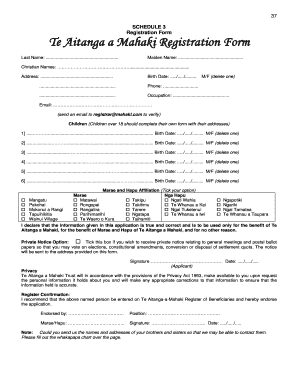
Te aitanga a mahaki registration
The document is a registration form for Te Aitanga a Mahaki, requiring personal information such as names, contact detai ...
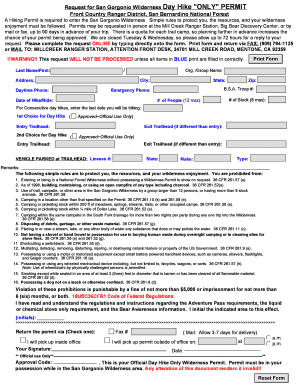
San Gorgonio Dayhike Permit - Meetup
The document outlines the process for obtaining a hiking permit for the San Gorgonio Wilderness, detailing application m ...
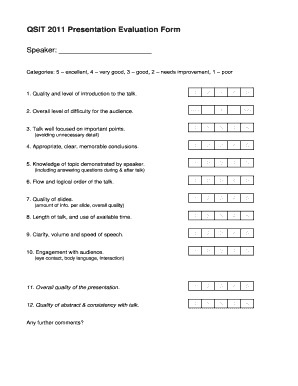
QSIT 2011 Presentation Evaluation Form Speaker: Categories: 5 excellent, 4 very good, 3 good, 2 needs improvement, 1 poor 1 - qudev ethz
QSIT 2011 Presentation Evaluation Form Speaker: Categories: 5 excellent, 4 very good, 3 good, 2 needs improvement, 1 poor 1 - qudev ethz
The document is a presentation evaluation form used for assessing speakers at the QSIT 2011 event. It includes various c ...
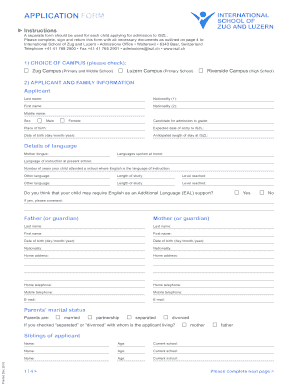
A separate form should be used for each child applying for admission to ISZL - iszl
The document is an application form for admission to the International School of Zug and Luzern (ISZL). It outlines the ...
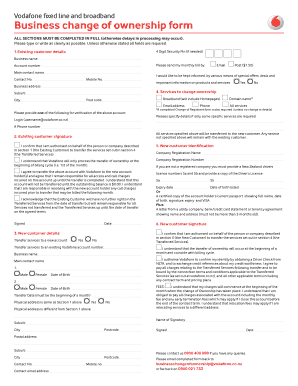
Change ownership
The document is a Business Change of Ownership form that requires complete information from both the existing and new cu ...