Estate planning 2026

Get Form
estate planning documents online Preview on Page 1

Here's how it works

01. Edit your estate planning documents online online
Type text, add images, blackout confidential details, add comments, highlights and more.

02. Sign it in a few clicks
Draw your signature, type it, upload its image, or use your mobile device as a signature pad.

03. Share your form with others
Send online estate planning via email, link, or fax. You can also download it, export it or print it out.

How to Use Our Platform for Estate Planning

Form edit decoration
9.5
Ease of Setup
DocHub User Ratings on G2
9.0
Ease of Use
DocHub User Ratings on G2
  1. Click ‘Get Form’ to open the estate planning document in our editor.
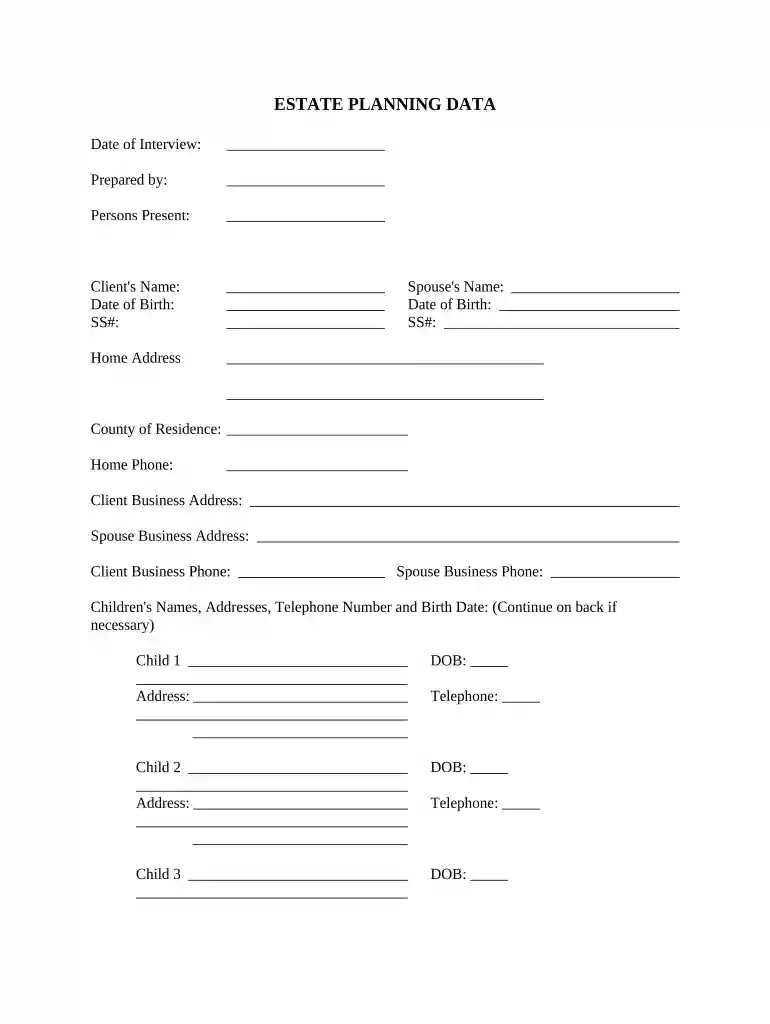
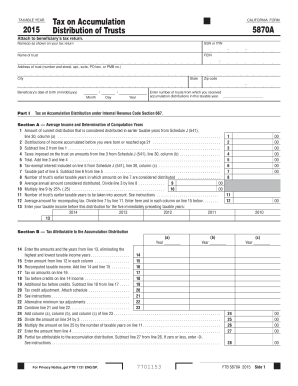
  2. Begin by entering your personal information, including your name, date of birth, and social security number. Ensure accuracy as this data is crucial for legal purposes.
  3. Next, provide details about your spouse, if applicable. Fill in their name, date of birth, and social security number in the designated fields.
  4. Complete the home address section along with contact numbers for both you and your spouse. This information helps establish residency and communication.
  5. List your children’s names, addresses, telephone numbers, and birth dates. If you have more than four children, continue on a separate sheet as needed.
  6. Address questions regarding citizenship status and any dependents or special needs family members. These details can impact estate distribution.
  7. Fill out the will information section carefully. Specify bequests and how you wish to distribute your residuary estate. Consider whether to establish trusts for your children.
  8. Designate an executor for your estate who will manage assets and ensure compliance with your wishes after passing.
  9. Finally, appoint guardians for minor children if necessary. This ensures their care aligns with your preferences.

Start filling out your estate planning form today using our platform for free!

be ready to get more

Complete this form in 5 minutes or less

Get form

Got questions?

We have answers to the most popular questions from our customers. If you can't find an answer to your question, please contact us.
Contact us
Understanding the Deceased Estate 3-Year Rule The core premise of the 3-year rule is that if the deceaseds estate is not claimed or administered within three years of their death, the state or governing body may step in and take control of the distribution and management of the assets.
Estate planning is the process by which an individual or family arranges the transfer of assets in anticipation of death.
7 Common Inheritance Mistakes to Avoid Not Factoring in Potential Inheritance Taxes. Failing to Make a Budget. Spending Too Much. Not Paying Off Debts. Losing Other Income Sources. Not Saving Enough. Not Getting Expert Advice.
What Are the 7 Steps in the Estate Planning Process? List Your Assets and Liabilities. Define Your Estate Planning Goals. Draft Essential Estate Planning Documents. Consider Non-Probate Options. Update Beneficiaries. Plan for Taxes. Review and Update Your Estate Plan. Securing Your Legacy with a Thoughtful Estate Plan.
What are the benefits of estate planning? Protecting your minor children. Expressing wishes for your funeral. Specifying how your assets are distributed. Leaving a legacy. Helping your family manage tax issues.

Security and compliance

At DocHub, your data security is our priority. We follow HIPAA, SOC2, GDPR, and other standards, so you can work on your documents with confidence.
Learn more
ccpa2
pci-dss
gdpr-compliance
hipaa
soc-compliance

People also ask

Estate planning tasks include making a will, setting up trusts, making charitable donations to limit estate taxes, naming an executor and beneficiaries, and setting up funeral arrangements. A will gives instructions about property and the custody of minor children.

Related links