




01. Edit your reference letter from employer online
Type text, add images, blackout confidential details, add comments, highlights and more.

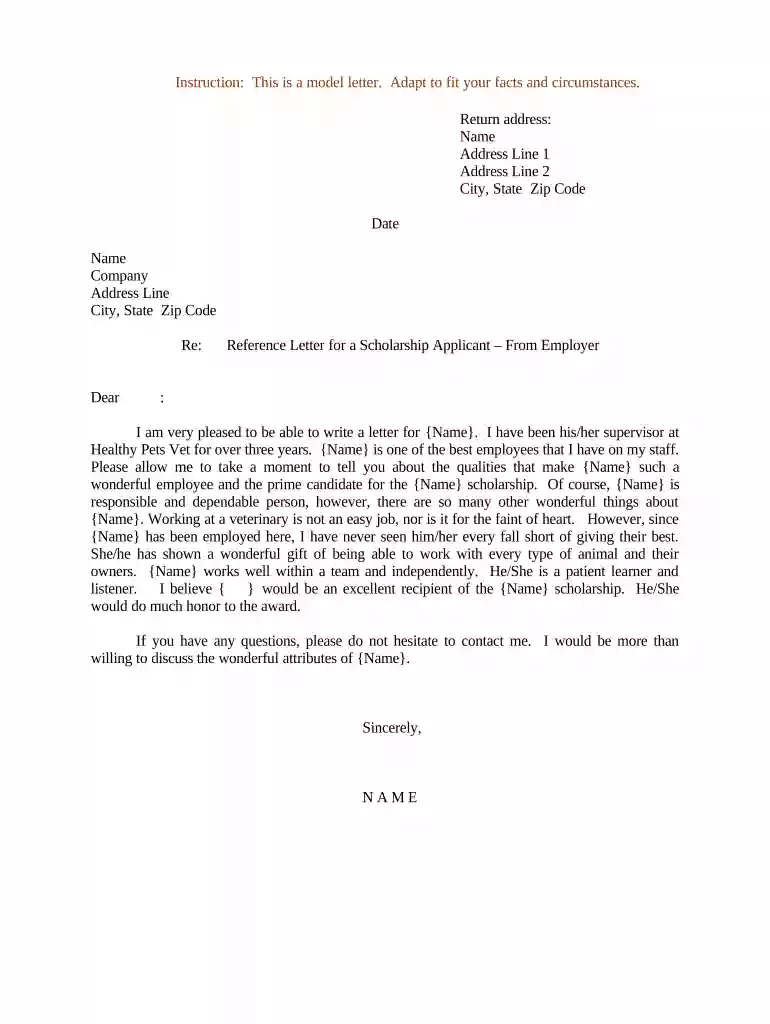
Type text, add images, blackout confidential details, add comments, highlights and more.

Draw your signature, type it, upload its image, or use your mobile device as a signature pad.

Send examples of reference letters via email, link, or fax. You can also download it, export it or print it out.

Start using our platform today to create impactful reference letters for free!
At DocHub, your data security is our priority. We follow HIPAA, SOC2, GDPR, and other standards, so you can work on your documents with confidence.



A reference letter, also called a recommendation letter, is usually written to testify to a persons skills, character, experience, and/or achievements. When aRead more
Sep 12, 2023 The application and reference letter deadlines are the same for all three: Sunday, October 15, 2023 as the application deadline, and SundayRead more
Mar 4, 2026 Some types of programs, such as fellowships and some career development awards, require the submission of reference letters by the referee.Read more


