
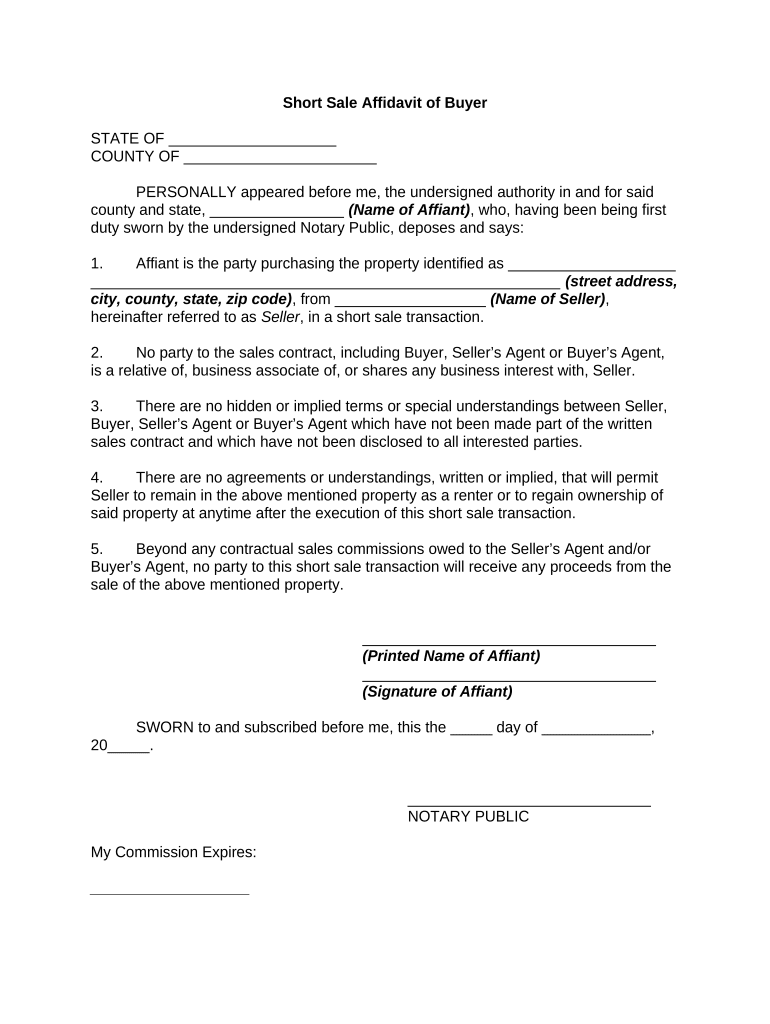




Here's how it works

01. Edit your affidavit of sale online
Type text, add images, blackout confidential details, add comments, highlights and more.

02. Sign it in a few clicks
Draw your signature, type it, upload its image, or use your mobile device as a signature pad.

03. Share your form with others
Send affidavit of sale of property via email, link, or fax. You can also download it, export it or print it out.
How to use or fill out sale affidavit with our platform

- Click ‘Get Form’ to open the sale affidavit in the editor.
- Begin by entering the state and county at the top of the form, ensuring accuracy for legal purposes.
- In the section for Affiant's name, input your full name as the buyer. This identifies you as the party purchasing the property.
- Fill in the property details, including street address, city, county, state, and zip code. This information is crucial for identifying the property involved in the transaction.
- Next, provide the seller's name in the designated field. This clarifies who you are purchasing from.
- Review and confirm that no parties involved have undisclosed relationships or agreements that could affect this transaction. Ensure all statements are accurate.
- Finally, sign and print your name at the bottom of the affidavit. Don’t forget to have it notarized to validate your affidavit legally.
Start using our platform today to fill out your sale affidavit online for free!
Fill out sale affidavit online
It's free
Security and compliance
At DocHub, your data security is our priority. We follow HIPAA, SOC2, GDPR, and other standards, so you can work on your documents with confidence.
Learn more


Related forms
Information instructions filing complaints
The document provides detailed instructions for filing complaints regarding real property assessments in New York State. ...
Stan stanart
The document is a Certificate of Ownership for an unincorporated business or profession issued by the Harris County Cler ...

Willits application
The document is an employment application form for Solid Waste of Willits, Inc. It collects personal information, work h ...
Esic card download
The document is a request to the Employees' State Insurance Corporation (ESIC) for a duplicate identity card or family i ...
Print name and signature form
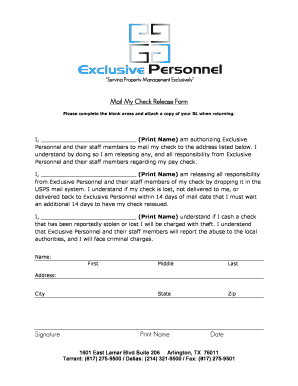
The document is a Mail My Check Release Form authorizing Exclusive Personnel to mail a paycheck to the specified address ...
How to fill out a order of the arrow adult candidate form
The document provides instructions and forms for conducting elections within the Order of the Arrow, a national honor so ...