




Here's how it works

01. Edit your dochub com fillable form online
Type text, add images, blackout confidential details, add comments, highlights and more.

02. Sign it in a few clicks
Draw your signature, type it, upload its image, or use your mobile device as a signature pad.

03. Share your form with others
Send lawyer reviewing contract with client via email, link, or fax. You can also download it, export it or print it out.
How to use or fill out agreement attorney client with our platform

- Click ‘Get Form’ to open the agreement attorney client in the editor.
- Begin by entering the date of the agreement at the top of the form, followed by the names and addresses of both the Attorney and Client.
- In the 'Services to be Performed' section, specify the name of the Debtor and enter the amount owed as per the Judgment.
- Fill in Attorney's fee percentage and any anticipated costs that need to be advanced by the Client.
- Authorize actions such as sending a demand letter and specify timeframes for payment in full.
- Review sections regarding payment handling, withdrawal rights, and severability clauses to ensure understanding.
- Complete signature fields for both parties at the end of the document, ensuring all necessary information is filled out accurately.
Start using our platform today to easily complete your agreement attorney client form online for free!
Fill out agreement attorney client online
It's free
It's free
Security and compliance
At DocHub, your data security is our priority. We follow HIPAA, SOC2, GDPR, and other standards, so you can work on your documents with confidence.
Learn more


Related forms
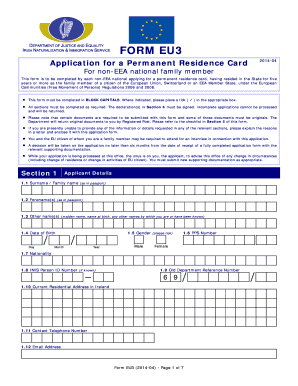
Inis
The document is an application form (Form EU3) for a Permanent Residence Card for non-EEA national family members of EU ...
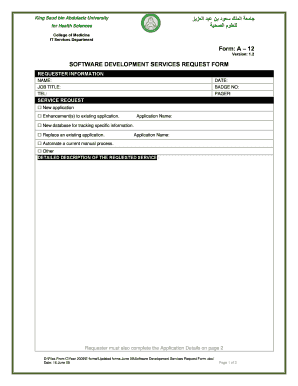
Software Development Services Request Form - ????? ????? ???? ?? ...
The document is a Software Development Services Request Form from King Saud bin Abdulaziz University for Health Sciences ...

Az covina farmers market
The document outlines the details for the Covina Farmers Market and Family Night, including its location, schedule, vend ...
Your Resource Guide to Patient Navigation - Fox Chase Cancer ... - fccc
The document is a comprehensive guide on patient navigation in cancer care, detailing its history, definitions, types of ...
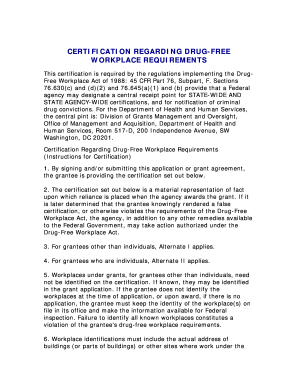
Certification drug workplace
The document outlines the certification requirements for maintaining a drug-free workplace as mandated by the Drug-Free ...

HIPAA Authorization Form, Cincinnati Children's Hospital Medical ...
The document is an authorization form from Cincinnati Children's Hospital Medical Center that allows the use and disclos ...
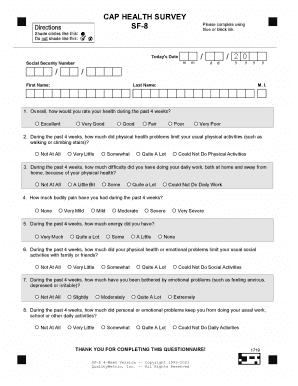
Sf 8 form
The document is a health survey questionnaire (SF-8) designed to assess an individual's physical and emotional health ov ...