Type text, add images, blackout confidential details, add comments, highlights and more.
02. Sign it in a few clicks
Draw your signature, type it, upload its image, or use your mobile device as a signature pad.
03. Share your form with others
Send it via email, link, or fax. You can also download it, export it or print it out.
How to Use or Fill Out Agreement Events with Our Platform
Ease of Setup
DocHub User Ratings on G2
Ease of Use
DocHub User Ratings on G2
Click ‘Get Form’ to open the Agreement Events document in the editor.
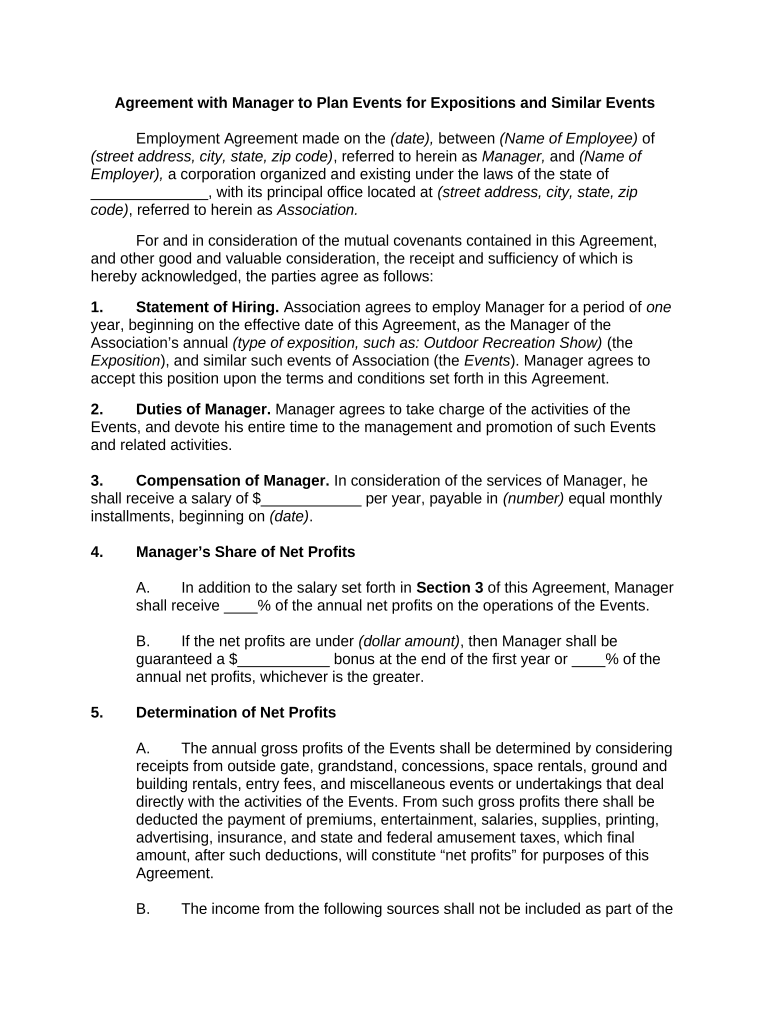
Begin by entering the date of the agreement at the top of the form, followed by the names and addresses of both parties involved—the Manager and the Association.
In Section 1, specify the type of exposition and similar events that the Manager will oversee. Ensure this accurately reflects your responsibilities.
For Section 3, fill in the Manager's annual salary and payment schedule. This section is crucial for establishing compensation terms.
In Section 4, indicate the percentage of net profits that will be shared with the Manager, along with any guaranteed bonuses based on performance metrics outlined.
Complete Sections 5 through 23 by providing necessary details regarding expenses, inventory management, policies, and termination clauses as applicable.
Start using our platform today to streamline your agreement events process for free!
This guide provides an overview of everything you need to host a successful event at MoHA. Note: Before you submit an event inquiry form, you must DocHub thatRead more
The Parties mutually agree as follows: 1. Services and Fees. User agrees that College shall provide the space and/or services identified on. Attachment A (EventRead more
Cookie consent notice
This site uses cookies to enhance site navigation and personalize your experience.
By using this site you agree to our use of cookies as described in our Privacy Notice.
You can modify your selections by visiting our Cookie and Advertising Notice.