Type text, add images, blackout confidential details, add comments, highlights and more.
02. Sign it in a few clicks
Draw your signature, type it, upload its image, or use your mobile device as a signature pad.
03. Share your form with others
Send it via email, link, or fax. You can also download it, export it or print it out.
How to use or fill out agreement of partner with our platform
Ease of Setup
DocHub User Ratings on G2
Ease of Use
DocHub User Ratings on G2
Click ‘Get Form’ to open the agreement of partner in the editor.
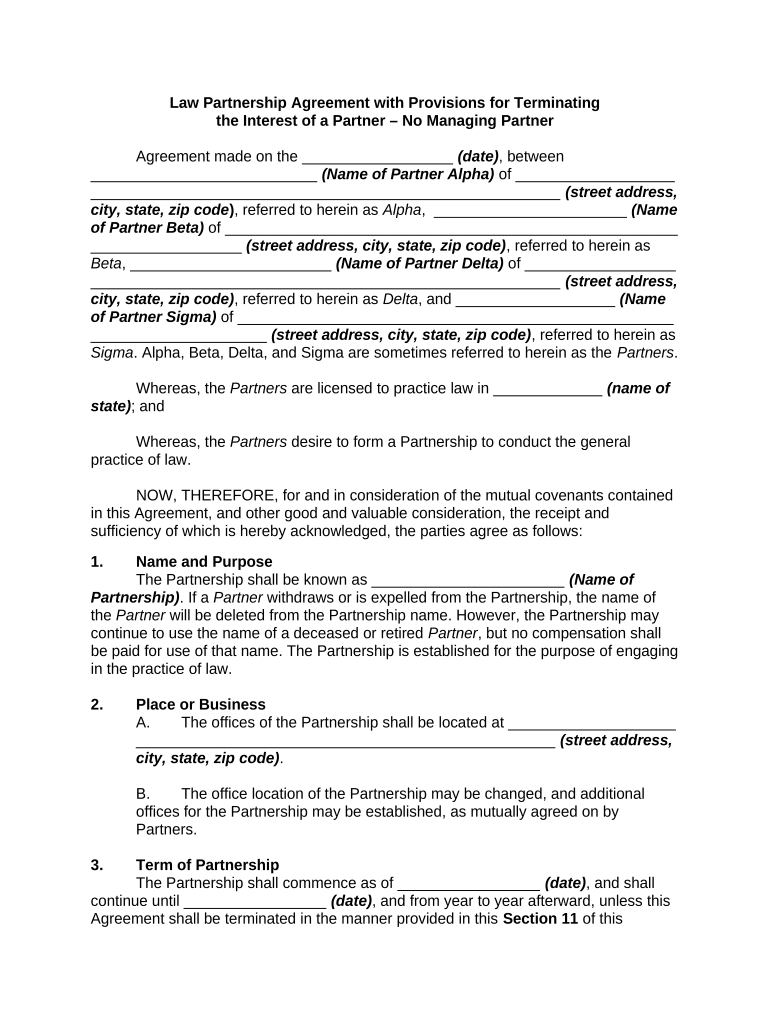
Begin by filling in the date at the top of the document, followed by the names and addresses of each partner. Ensure accuracy as this information is crucial for legal identification.
In the 'Name and Purpose' section, specify the name of your partnership and confirm its purpose, which is to engage in legal practice.
Complete the 'Place of Business' section by entering the street address, city, state, and zip code where your partnership will operate.
Fill out the 'Term of Partnership' section with start and end dates. This defines how long your partnership will last unless terminated earlier.
In 'Contributions to Capital', indicate each partner's capital contribution amount. Make sure to detail any agreements regarding interest on loans or withdrawals.
Proceed through sections on 'Books and Accounting', 'Expenses', and 'Profits and Losses', ensuring all financial arrangements are clearly documented.
Finally, review all sections for completeness before signing. Each partner should sign at the bottom to validate the agreement.
Start using our platform today for free to streamline your partnership agreement process!
Agreement of partner templateSample Partnership Agreement PDFAgreement of partner exampleSmall business partnership agreement PDFAgreement of partner sampleAgreement of partner pdfSample partnership Agreement PDF free downloadAgreement of partner sample pdf
Security and compliance
At DocHub, your data security is our priority. We follow HIPAA, SOC2, GDPR, and other standards, so you can work on your documents with confidence.
The address of each partner is set under his signature at the end of this Agreement, and each partner agrees to notify the Partnership of any change of address.Read more
Based on verbal agreements between MoHA and the contractor as well as advance scheduling, the amount of approved work hours may rise or fall depending on need.Read more
Cookie consent notice
This site uses cookies to enhance site navigation and personalize your experience.
By using this site you agree to our use of cookies as described in our Privacy Notice.
You can modify your selections by visiting our Cookie and Advertising Notice.