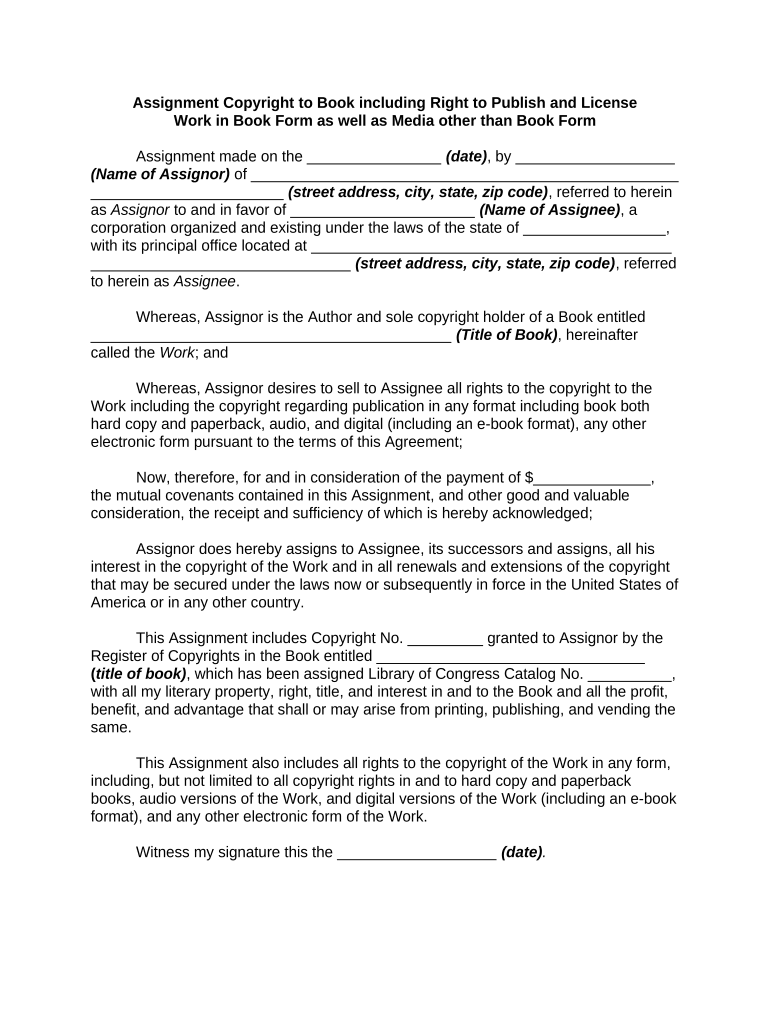
U.S. Copyright OfficeHow to copyright your book for freeU.S. Copyright Office websiteHow to copyright something for freeHow to copyright a song for freeCopyright application form onlineWww Copyright gov loginElectronic copyright office login
Security and compliance
At DocHub, your data security is our priority. We follow HIPAA, SOC2, GDPR, and other standards, so you can work on your documents with confidence.
A book was copyrighted; why isnt it in the Library of Congress
Jan 18, 2025 Essentially if the material was submitted for copyright but is not found in our catalog then the Library has decided not to retain that material.Read more
The Copyright Registration Toolkit is a visual breakdown of copyright, including essential information about copyright law, how to prepare for copyrightRead more
Cookie consent notice
This site uses cookies to enhance site navigation and personalize your experience.
By using this site you agree to our use of cookies as described in our Privacy Notice.
You can modify your selections by visiting our Cookie and Advertising Notice.