




Here's how it works

01. Edit your certified letter for non payment online
Type text, add images, blackout confidential details, add comments, highlights and more.

02. Sign it in a few clicks
Draw your signature, type it, upload its image, or use your mobile device as a signature pad.

03. Share your form with others
Send fee letter sample via email, link, or fax. You can also download it, export it or print it out.
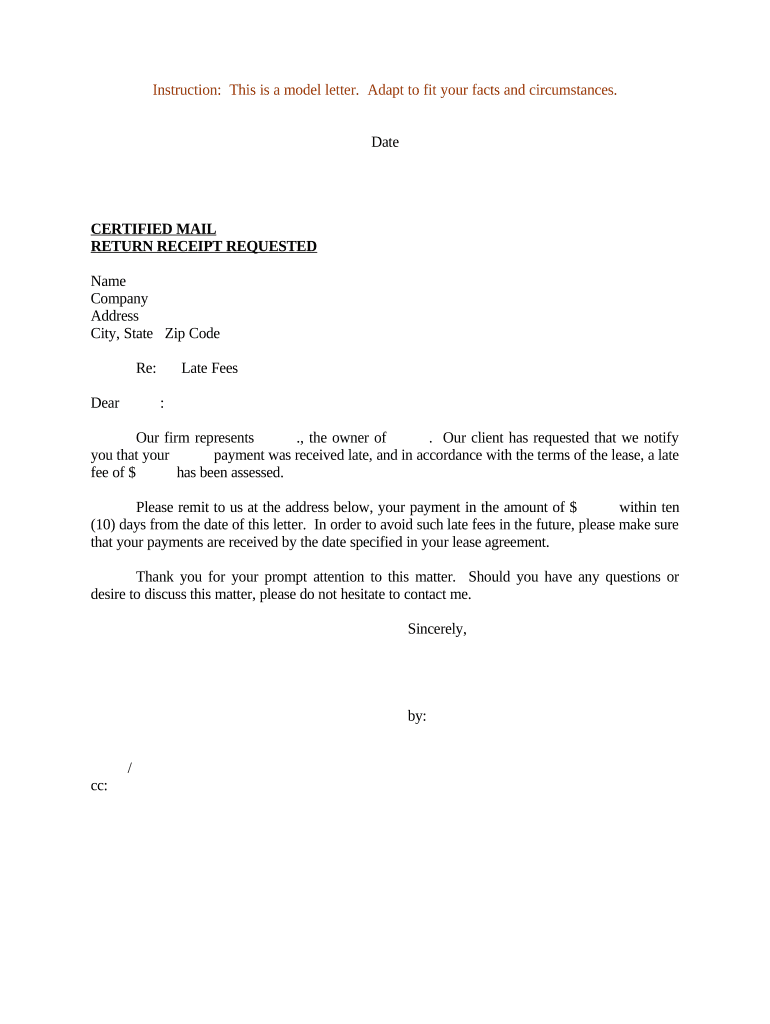
How to Use or Fill Out Late Payment Fee Form

- Click ‘Get Form’ to open the late payment fee document in our editor.
- Begin by entering the date at the top of the form. This is crucial for record-keeping and ensures clarity regarding when the notice was issued.
- Fill in your name, company, and address details in the designated fields. Accurate information here helps maintain professionalism and ensures proper communication.
- In the 'Re:' section, specify the subject of the letter, such as 'Late Fees', to clearly indicate the purpose of your correspondence.
- Address the recipient by filling in their name in the greeting line. Personalizing this section fosters a respectful tone.
- Clearly state the late fee amount assessed in accordance with your lease terms. This transparency is essential for accountability.
- Indicate where payments should be sent and include a deadline for payment to avoid further fees. This encourages prompt action from the recipient.
- Conclude with your signature and any necessary cc's to ensure all relevant parties are informed.
Start using our platform today to streamline your document editing and ensure timely communications!
Fill out late payment fee online
It's free
It's free
Security and compliance
At DocHub, your data security is our priority. We follow HIPAA, SOC2, GDPR, and other standards, so you can work on your documents with confidence.
Learn more


Related forms

Nj diligent
The document is a guide for individuals involved in Non-Dissolution (FD) cases in the Superior Court of New Jersey's Cha ...

Non-Prisoner IFP Form - District of Alaska - akd uscourts
The document is an application form for individuals seeking to waive the filing fee for a case in the United States Dist ...

Form 9061 2009
The document is the Individual Characteristics Form (ICF) used in conjunction with IRS Form 8850 to determine eligibilit ...
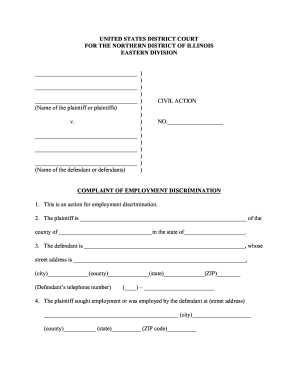
Complaint employment discrimination
The document is a legal complaint filed in the United States District Court for the Northern District of Illinois, conce ...
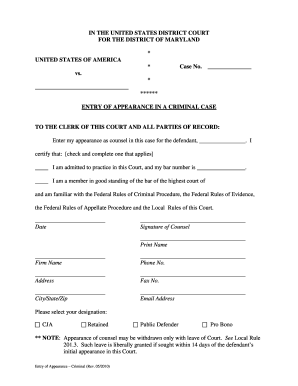
Entry of appearance form criminal california
The document is a legal form used in the United States District Court for the District of Maryland, specifically for ent ...
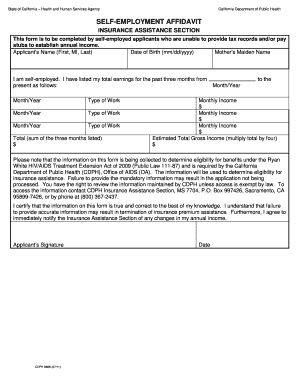
Form 1049 client's statement of self employment
The document is a Self-Employment Affidavit form from the California Department of Public Health, intended for self-empl ...
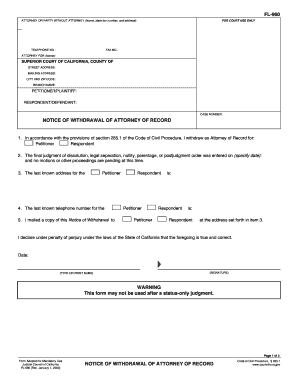
Fl 960
The document FL-960 is a legal form used in California for an attorney to formally withdraw as the attorney of record fo ...